
Totty
-
Posts
1129 -
Joined
-
Last visited
-
Days Won
11 -
Donations
480.00 USD -
Points
2,791,800 [ Donate ]
Content Type
Profiles
Forums
Gallery
Twitch
Running Commentary
Events
Store
Downloads
Everything posted by Totty
-

MW2 Freezetag Rotation #4
Totty replied to WldPenguin's topic in Call of Duty 4's Call of Duty 4 Map Rotations
Server 146b9 File sum mismatch fixed by @WldPenguin and restarted by @Totty 06/06/2026 @19.26 BST -
COD4x mod & server for Call of Duty 4 MW2 - Freezetag
Totty replied to iboomboom's topic in Community News
My monitor runs my crosshair not my PC. I have no issues with the gameplay -
COD4x mod & server for Call of Duty 4 MW2 - Freezetag
Totty replied to iboomboom's topic in Community News
I use a crosshair on my monitor and also run the game directly from IW3mp.exe rather than through steam, even though it's a steam game. My pc is old and needs updating but runs the COD4x serrver very smooth -
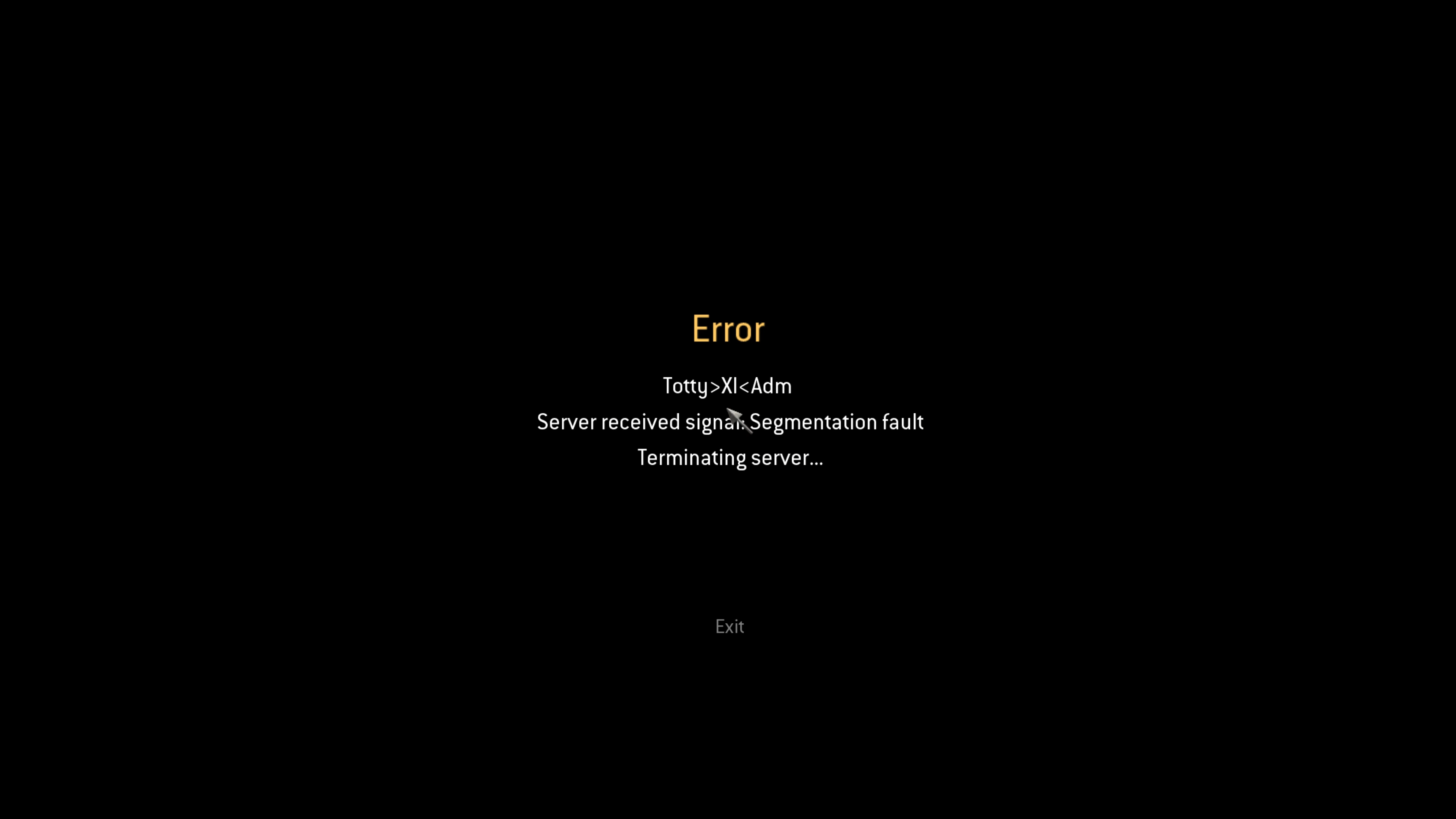
Segmentation Fault in MW2 server
Totty replied to RANDALL's topic in Call of Duty 4's Call Of Duty 4 Discussion
Hi Randall everyone on the server had the same message. Thanks for letting us know, We do have an issue with the Cod4x server here if you have any more issues -
Thanks for the info. This proves how first hand knowledge out shines AI every time.
-
we have just had a server crash. midway through Broadcast2 I restarted it

-
A few people have been struggling to install COD4x to older Mac machines. This is what Chatgpt recomends A 2012 Mac is actually one of the better Macs for running CoD4x because it uses an Intel processor and supports Boot Camp. The main thing to know is that CoD4x does not have a native macOS client. The CoD4x developers specifically recommend running the Windows version through Boot Camp or a Wine-based solution such as CrossOver. Best option: Boot Camp + Windows If your 2012 Mac has enough storage: Back up your Mac. Open Boot Camp Assistant in macOS. Install Windows 10. Install Steam and download Call of Duty 4: Modern Warfare. Install the CoD4x client patch following the CoD4x instructions. Launch the game from Windows and join CoD4x servers. This will give the best performance and compatibility. Alternative: CrossOver If you don't want a Windows partition: Install CrossOver. Create a Windows bottle. Install Steam inside CrossOver. Install CoD4. Install the CoD4x patch. The CoD4x team mentions CrossOver as a supported workaround, although performance and compatibility can vary. Check your macOS version If you're running Mojave (10.14) or older, the original Mac version of CoD4 can run. If you're running Catalina (10.15) or newer, Apple removed 32-bit app support, so the old Mac version of CoD4 won't run natively. Boot Camp becomes the easiest route.
-
It was like shooting a fish in a bowl though
-
Try doing a system restore to before the time you installed Cod4x. It should fix it
-
What version of windows are you running?
-
You don't need punkbuster for our servers so it can be switched off in options. If you have windows 1o or 11 and Cod4 is on steam then you can download Cod4x and install that, that will bring your multiplayer up to date. If you are running from disk then you will need to use update patches up to version 1.7 before installing Cod4x
-
Ok, you will if you let that map run for now, I will pm you the map later. Otherwise its a reinstall from disk, saving players, maps and mods folders
-
If so then go to your stem library, right click on Cod4 and click verify files. That should reinstall the stock Crash map. You may or may not need to reinstall Cod4x depending how many files steam updates
-
Are you running steam cod4 Fry?
-
Looking at the log it looks like you are trying to run Cod4x setup from your Dowloads folder. Copy/paste it to your cod4 folder and run it from there. Some of the installers can't see the game unless it is in the cod4 folder
-
it just crashed again? 24 players in mp_Crash
-
Try dropping your resolution in game by 1 click
-
Welcome back Dukoo
-
Thanks it fixed it for me
-
for those struggling to find your Cod4 exe this is the address for it "C:\Program Files (x86)\Steam\steamapps\common\Call of Duty 4\iw3mp.exe
-
Perfect
-
Admin tags aren't working, My name shows fine as Totty>XI< but without Adm on the end. I've tried the mynameis function but still no joy. @Blaze @Smeggie Does your Mod tags show?
-
Put a tin can alley in there to win extra ammo or grenades etc. I would suggest a hook the duck but that's a bit harsh Don't put any gambling machines in there because @Ruggerxi will find a way of rigging them
-
COD4x mod & server for Call of Duty 4 MW2 - Freezetag
Totty replied to iboomboom's topic in Community News
-
The file needs to be put into your call of duty 4 folder and then run from there. It won't find your game from your download folder