
LtLaszlo
-
Posts
9273 -
Joined
-
Last visited
-
Days Won
325 -
Donations
270.00 USD -
Points
5,252,685 [ Donate ]
Content Type
Profiles
Forums
Gallery
Twitch
Running Commentary
Events
Store
Downloads
Everything posted by LtLaszlo
-
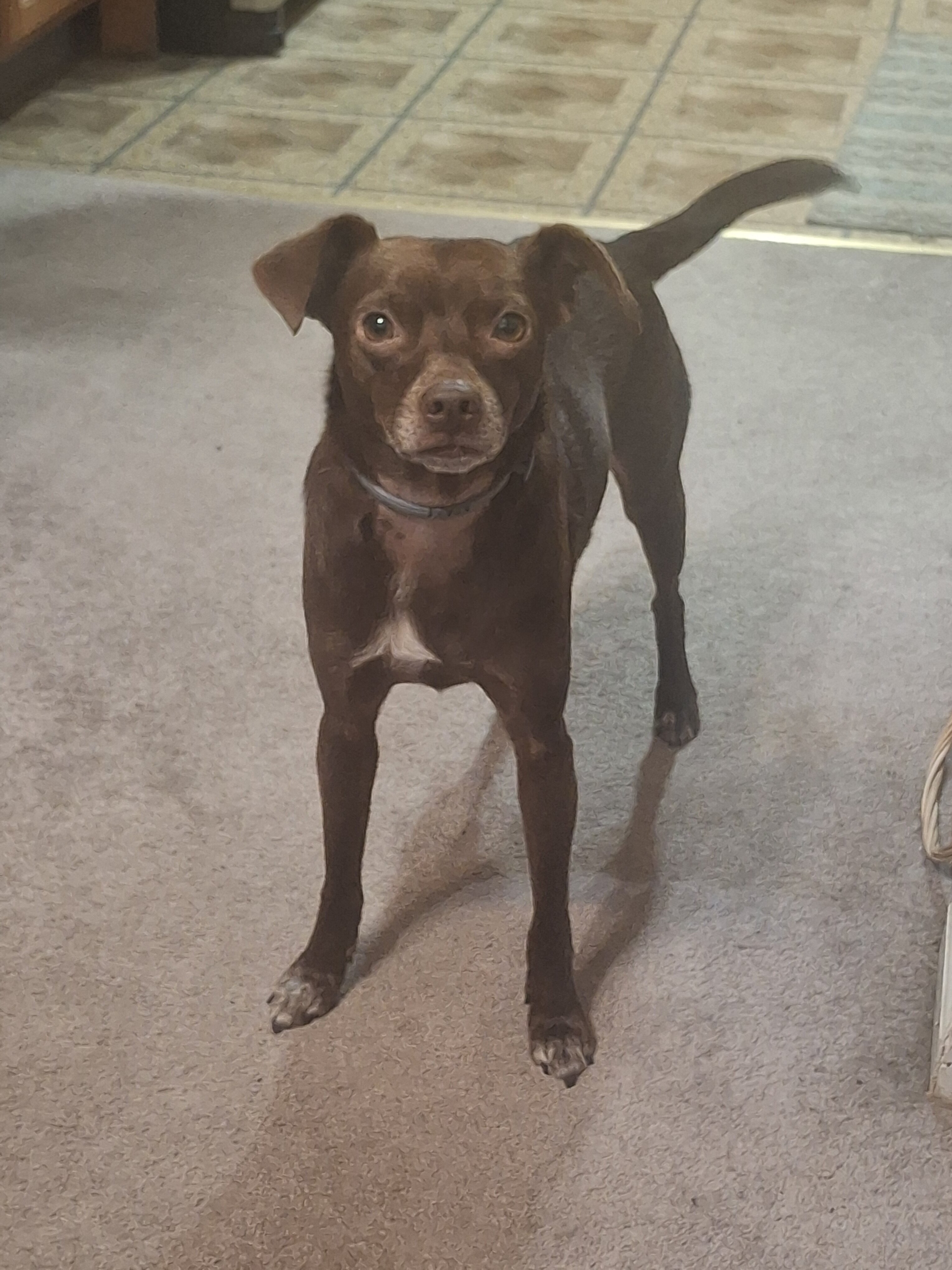
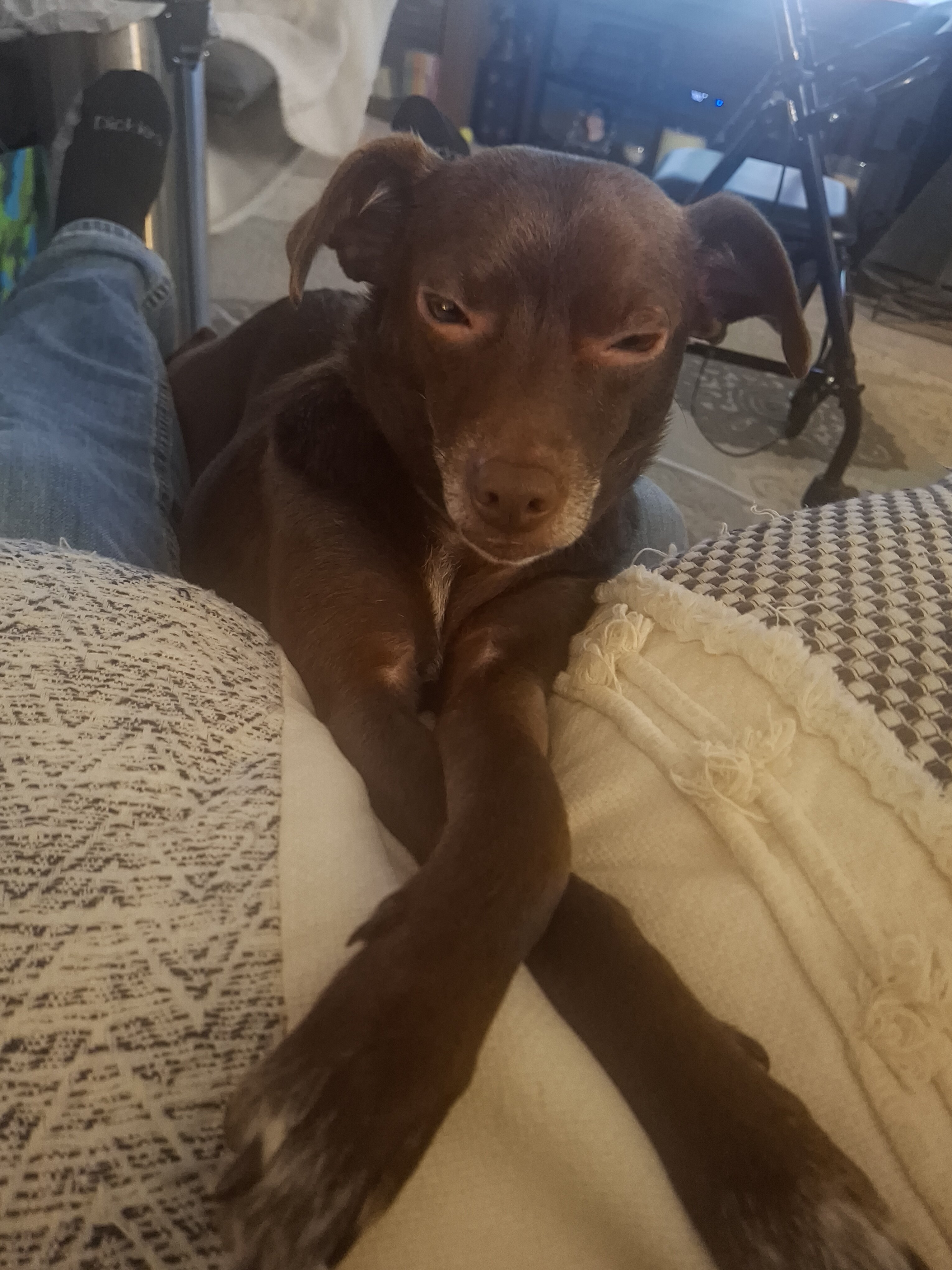
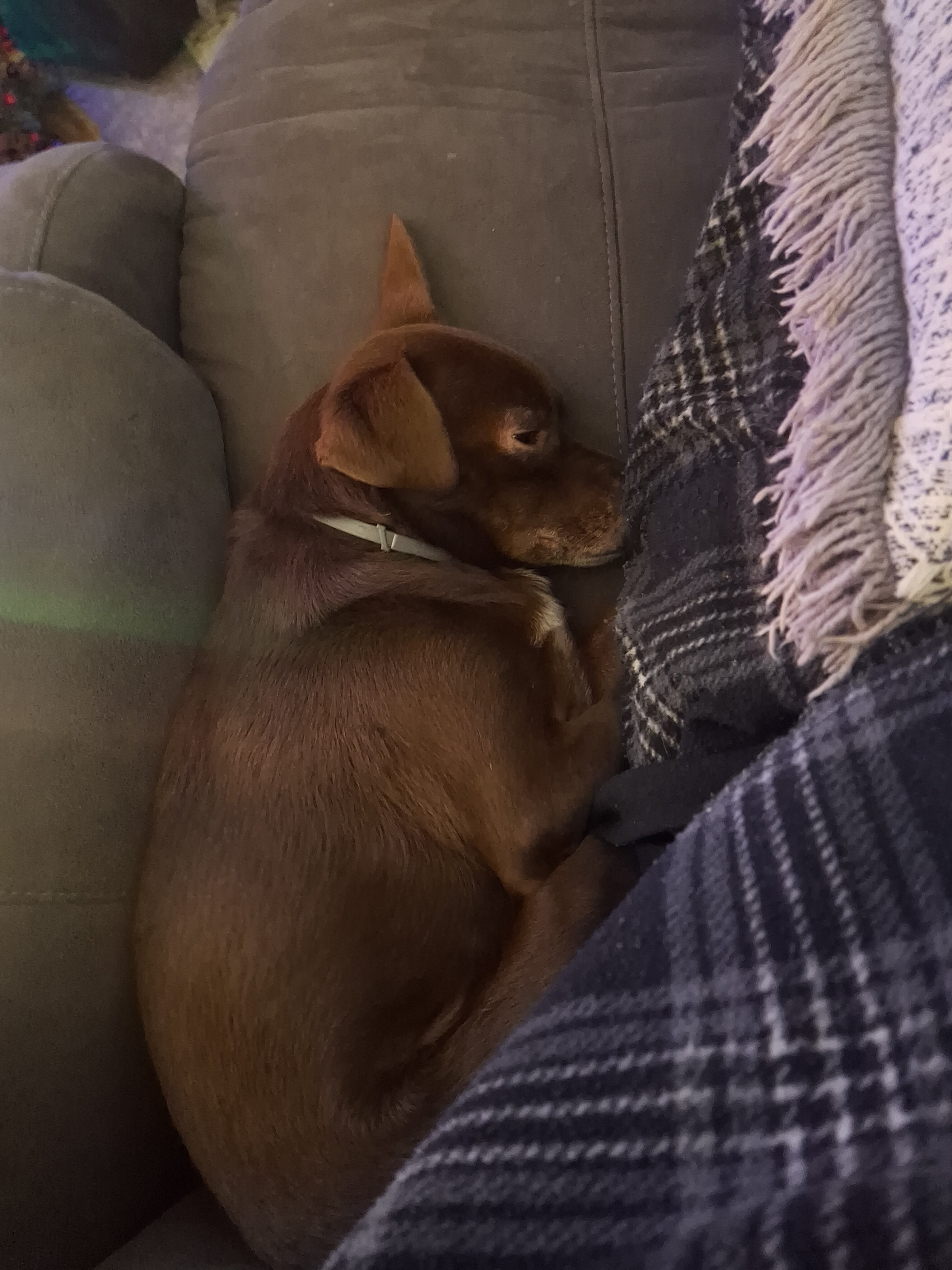
I've posted in the past our last dog, Rosie, a Westie, Shit-zu mix. She was a great dog that, at 12 years old got diabetes and went blind. Had to give her insulin twice a day and made it to 16 years old. She knew the house layout and got around okay and we still walked every day, when she could run and knew I wouldn't let her hit a mailbox or anything. After she passed, I didn't want another dog for a while, since I was also caring for my wife. But Wifey insisted on getting a lap buddy, since she was confined to the chair. Wife passed a year ago, but Ozzy, the new guy we got in 2023 has actually been a great find. We adopted him from a local Adopt-a-Center and is not only the lapdog she wanted, but also a good dog. We walk daily, as he is a Jack Russel, Chihuahua mix, so has a LOT of energy. His only issue is "little man syndrome". Want to attached only big dogs - a little nuts. Anyway, I call him "needy boy", since he must be with me at all times. Favorite place is between my hip and the arm of the chair. And he'll go ON the water, but not in it! But, we're working on that! 20241203_112516.mp4

- 18 replies
-
- 10
-

-

-

SPR 2026 is now up
LtLaszlo replied to PainKiller's topic in Call of Duty 2's Call Of Duty 2 Discussion
I wouldn't spend too much on it Pain. Minor and we usually have enough admins in to just bump it or swap to a different sniper map. Loved to see a couple new maps today, as well as some older ones we haven't played for some time. Keep up the good work! It is appreciated! -
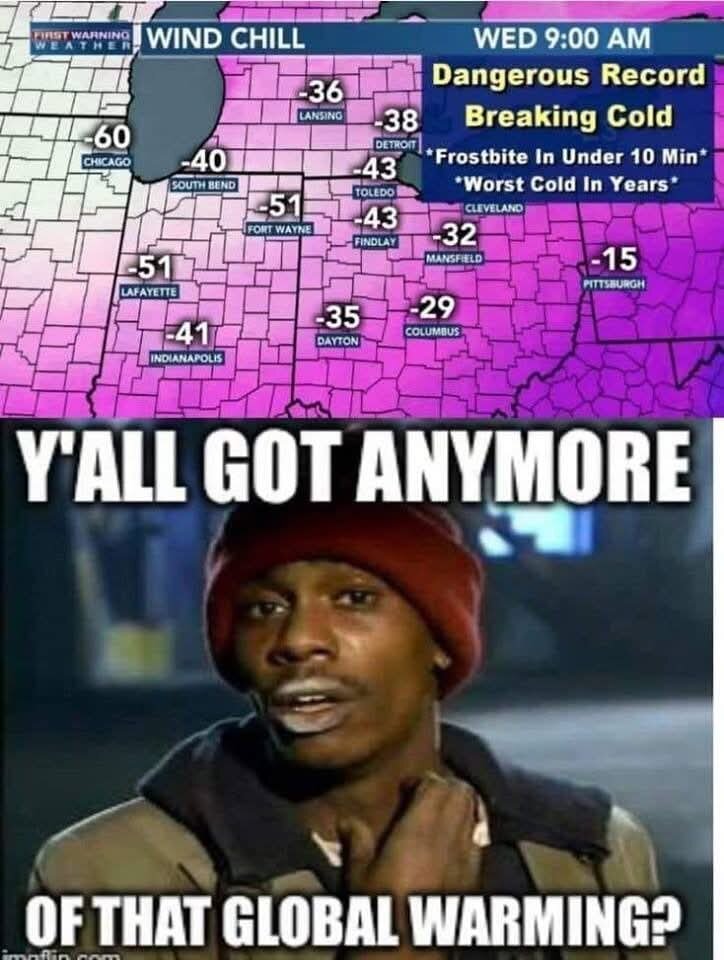
This winter has been insane, even for Michigan! Don't mind the snow, though more than a foot get's crazy. But woke up to -16F this morning, actual, not with wind chill! FUCK that! @Dirk Diggler, you Canadians can keep it up there!
-
SPR 2026 is now up
LtLaszlo replied to PainKiller's topic in Call of Duty 2's Call Of Duty 2 Discussion
Thanks, Pain! Appreciate you changing the rotation regularly. Old ones get "stale"! -
Happy Christmas and a Merry Birthday, er, .. you know!
-
I retired just a year and a half ago and, aside from my wife being ill/cancer and passing, so far I love it. We were planning to do some travel, but obviously, that's changed. As a couple have mentioned here, and most people I've spoken to, say if you can do it. Especially if there are health issues involved. And this is the two main things to consider. 1. Are you mentally ready? Some get bored and go back to work, some financially required it. And 2. Are you financially able to retire? A lot to consider here, since you'll likely have less income, but also you can reduce everyday cost - for me, that alone was $200.00/month in fuel to/from work. But I worked at the same company for 46 years, and I was clearly ready, as I don't miss that routine at all any more. The people and the technology, yes, but not that "rat-race" lifestyle. Anyway, first, my wife, who was four years younger, was able to apply for and receive Social Security Income, but was put on a review/wait period for the medical (she was 61 at the time). She received full SS Income within a few months (including backpay from when her cancer was diagnosed), but took about nine months for the medical part. Once she started getting the medical part, there is a small deduction for Medicare from your SS Income. Same for me, since I retired 22 months early, at 65. As I approached retirement, I met a insurance consultant, who was great. She helps navigate the Heath Market Place, a list of many available plans here in Michigan (I assume you have the same). There are so many plans, she was good on helping decide which was best. Thank God, I no real health concerns at 66 yrs., but my wife did at the time. So, the way Medicare works, basically, it's like this (at least was for me in Mich.): 1. I contacted our local SS office in our county do get my application going. They say do 3 months prior. I also set up a SS account online - this is very helpful. They need to know the date of retirement to know exact payout for the plus/minus of your actual date of 67 yrs. (mine is 66 and 10 months). 67 for those born 1960 and later. 2. They'll want to know that you are planning Medicare, since there is a small deduction for your Medicare Part A and Part B. For me it was like $235 last year and reduces to $185 for four months of 2026 (so, they do deduct medical prior to FULL age,I guess). I didn't know this. In May I'll be full retirement age and I believe they don't deduct for the Medicare when you reach that (not 100% sure, but I think?). 3. It is HIGHLY recommended to get a Medicare supplements. Like the Health Marketplace, there are many plan, which is just crazy. As stated, I've been blessed with good health, most issues being dental. So I got basically the same plan I have always had when I was employed, a BlueCrossBlueShield of Mich. PPO. When employed, this plan was like $1,100.00/month, two-thirds by my employer, rest from my pay. I pay $21.80 for this supplement to cover what Medicare doesn't, and that's for the dental extras I need. My wife got full SSI, and no Medicare deduct until she started getting Medicare (the same month she passed away). But when I retired, I had to purchased insurance for her, So her SSI basically paid for the $1,200 insurance my employer no longer paid. But, the BENEFIT of this supplement that the insurance agency you choose, BCBS, HAP, etc., they will handle all of your insurance transactions - which I think is why the government wants it (they don't have to deal with the doctors and hospitals). This year, my plan is $35, but less is deducted from my SSI and the coverage is better (if I need it, of course). My wife had a different plan, which we added a third party "underwriter" called Wellebe (included but required approval, which she got). They helped with any hospice. Then she got a better drug plan, since she was on many. But her premium was only $35.00/month and also included the $100.00 to spend over three months. IT was a Hery Ford (hospital) HAP plan. Again, she only used it for a month, since she passed right after approval of it all. 4. You mentioned taxes. The way that works is you add your annual SSI to any other income (you can still make a certain max) or income can be pension, IRA or 401k. I collect SSI and from a 401k. So taxes are fairly clear. Just like when you worked, you add these together. If married, I think you claim, or are taxed 50% of the SSI from like $22k - $34k total per year. But for $35k - $44k, it's taxed 80%! That might be single, and married, filing joint is a bit higher. I'm speaking Federal here, your state taxes are likely different. Tough are fixed amount by the fed, not based on my personal situation. In summary, I can only tell you my experience. I was hoping my retirement would be traveling with my wife, which we did a lot of during our marriage. I was blessed with a good career and planned and was poised to just that, but wasn't meant to be. Aside from that, I still am very happy with retirement. As others mentioned, you need to know your ready. Do you have hobbies (fishing)? Your health/spouse health?. Life is short and one thing I have learned, I thought would be different, is time STILL FLIES BY! I thought it would slow down, with no 2 hour commute to work everyday, the stresses to get things done every day. Ugh! Now, I can get up and do whatever I want to after 50 plus years of working for the MAN! Except for a dog, LOL! Good luck on your decision and hit me up if you have any questions. I'm sure I missed a couple things. Laz
-
Condolences to you and your family, Eric. May she rest in peace.
-
Yep, same in lower Michigan. Reaching single digits (Fº) and teens in the morning and it's not even winter yet! January weather! Fucking COLD! As you age in the north, you realize why there are so many silver hairs in Florida! I could leave this crap for 3 or 4 months!
-
COD2 Steam/game issues, round 2.
LtLaszlo replied to LtLaszlo's topic in Call of Duty 2's Call Of Duty 2 Discussion
Thanks Kapt. But it looks like you sent this as I posted it's now working. The HLSW and Rcon also all good! Yeah! One odd thing I can't find to set is my Sprint key setting, Of all things! I Googled it and they say there isn't a setting. But I know it was the END key for me previously. What?! It says to double tap the USE key when standing. So, the END key is my use key and I do seem to go faster when I hit it twice. Must have done so long I forgot - natural!! Hehe. See you all Saturday! -
COD2 Steam/game issues, round 2.
LtLaszlo replied to LtLaszlo's topic in Call of Duty 2's Call Of Duty 2 Discussion
Hooray. So, I have had success getting my old CDs working again. All I had to do, oddly enough, was plug in my headset! Go figure! So, I have tested our TDM site and all works. However, I couldn't use my old ONLINE game name, since that old name is a different install key. So, I added an underscore in my online name. Only affects stats, but don't care. I assume I'll need to get "re-linked" to HLSW and/or Rcon. ??? I will test and see, but I can at least play again! old name: LtLaszlo>XI<Adm new name: Lt_Laszlo>XI<Adm -
COD2 Steam/game issues, round 2.
LtLaszlo replied to LtLaszlo's topic in Call of Duty 2's Call Of Duty 2 Discussion
Thanks guys. I have all of the files, setup.exe, then the multi or single player .exe to XP, SP2. I installed a Flash Player, but version 8. No luck. Started wondering about Direct X and found no folder for it. Tried to install the .exe in the Direct X on the install disk, but even in XP, SP2 compatibility, it says won't run under my version of Windows (10, Pro). Looks like I'll be buying from Steam. $20.00, no issue. Another interesting thing, I installed a second time, but during the install, I didn't get the photo slide shows that changes with the install music. ?? WTF. Why would that change. -
COD2 Steam/game issues, round 2.
LtLaszlo replied to LtLaszlo's topic in Call of Duty 2's Call Of Duty 2 Discussion
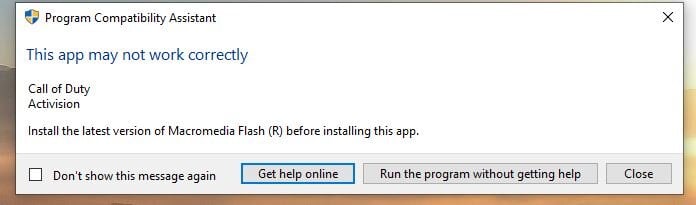
Update. So I was able to locate and install a version of Macromedia Flash 8.0. It's registered and got running, but no help. Game starts to boot, then back to main PC screen and no message/error. Any ideas? Maybe some Steam remnants, but it was uninstalled and removed from registry, as well.
-
So, on Thanksgiving, some MFer hacked into numerous of my accounts, including Amazon, Ebay and Paypal, as well as many others. He even hacked my phone to get my second authentications forwards to further his hack. Fortunately, I caught these fairly quickly and stopped many. He actually got to my 401K, but fortunately, Fidelity saw it a threat and locked my account. All good now, except for my Disney+ account on TV (low priority) and Steam. And since Steam has ZERO phone support, they SUCK. If I must, I will need to get a new Steam account using another name and email ( I can use my wife's email). I would then need to buy again, which is ok. Usually cheap. But, first I am trying to get the original CDs working. I gave up on this way back and is why I even had the Steam version. I have tried to submit support, but won't even take it, because it says it can only process one claim at a time - so apparently, the new guy has one in. He changed his email (p*******.o*******.c** - not me) and I think is requesting to change the name to Laszlo B Sjl (added the Sjl). I did get the account recovered last week, which is how I could play last weekend. But, here I am again. This fucker needs a bat to the teeth! Anyway, the CD install all went well, except I got one error. I had to ignore for the time to figure out what is needed. I've updated COD2 to patch 1.3, the game does try to start, the COD2 soldier appears for a few seconds, but then crashes back to my PC screen with no error or message. So, I believe I need a Macromedia Flash installed. After some research, it says I should have a Macromedia folder in my Program Files (x86) folder. However, I also learned Macromedia is no longer supported or used in most modern apps. Anybody had this issue? How to get the correct Macro Flash version for COD2 Again, I can buy again under a new account with Steam, iff necessary. I had very few games in Steam (cause I hate it!). He can have the old account. I want to play this weekend, dammit!! LOL
-
Thanks Kruch. I am only trying to play COD2 multiplayer. Again, It would NOT play on my original disks after updating to Win11. Also will not play unless headset was plugged in - another odd thing, but didn't care. For some reason, my account name, which the game is tied to, is OK, but when I tried to reset PW, I was told no such email. And yes, it was typed correctly, numerous times. Waiting on their tech support now. No playing today! We'll see what they say.
-
So, after I got a new operating system years ago, Windows10, my old disks no longer worked. So, after giving up, I purchased through Steam and haven't had too many issues and I never really use it, ever, except for COD2. But today when I went to play COD2 and it wouldn't run - it doesn't unless Steam is running. So, after I couldn't log in , did the usual "forgot password". When attempting to reset, it said "no account" with this PW. WTF?! Out of the blue, my account is gone. Is this a way to get you to buy again. And $19.99 for a game over 20 years old? So, waiting for them to "fix" whatever they broke! Sorry, had to vent. has anyone had this crap with Steam?
-
Thanks, everyone!
-
Thank you all for the kind words and condolences.
-
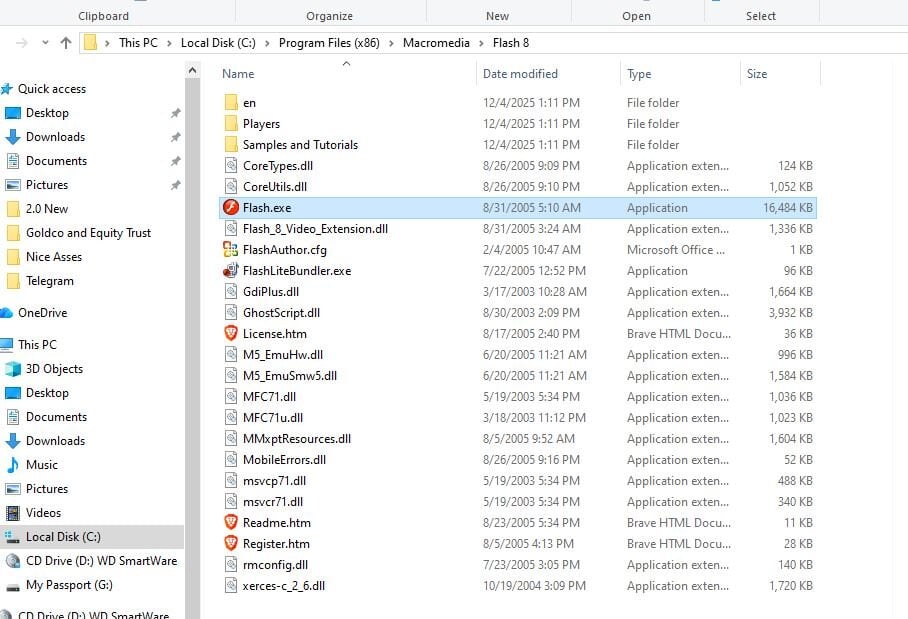
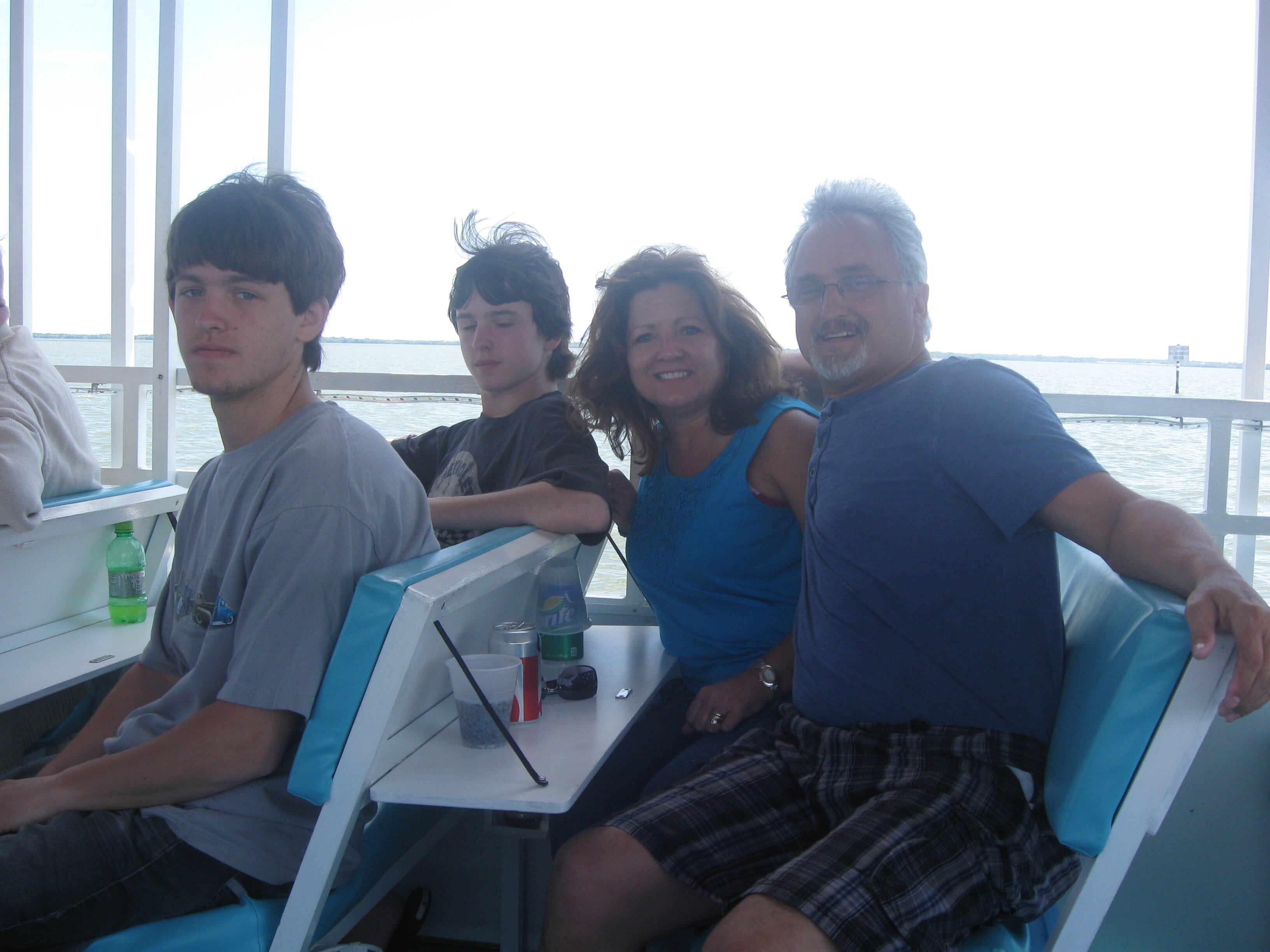
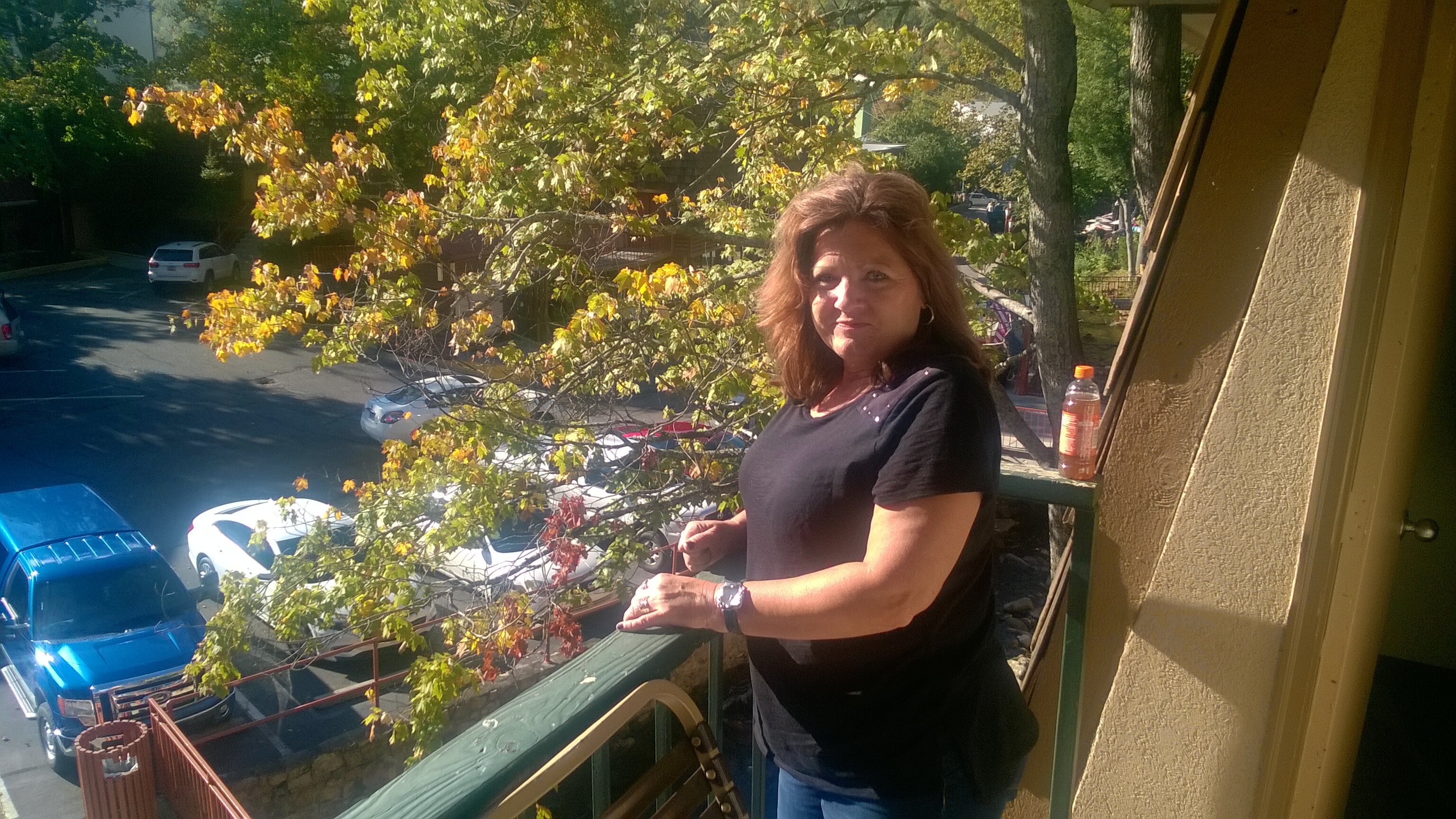
to inform you that my wife of almost 32 years passed away on April 22nd after our long battle with lung cancer. She was laid to rest this past Saturday, April 26th. She was originally diagnosed in 2017, and in August that year had her right lung's upper lobe removed. She was good after that surgery for over four years, and in fact returned to work for a time and attended two XI Fest - the one in Niagara Falls, five or six weeks after her surgery in 2017 and the Fest in South Carolina in 2019. In 2019, Wildthing even arranged a birthday cake for her and we celebrated, since the S. C. Fest was during her birthday weekend! She also attended the Gatlinburg Fest in 2016 (her favorite one, though she loved them all)! She loved to travel, so always on board for the Fest. But ultimately, the Chemo and Radiation was not working, and you can take only so much of both. We knew it was coming, and she was on full time oxygen and on a lot of pain medications and last six months, but her passing has been difficult nonetheless. Our two sons are still at home with me, so we are staying busy and are adjusting to living without our lady in the house. https://www.tctimes.com/news/obituaries/debra-ann-brumar/article_a0f57aeb-b755-4fa1-b97c-f19cd2efb46b.html First two pics, Glenwood Springs, Colorado 2013; family photo Florida 2014; Balcony pic, Gatlinburg XI Fest 2016 and last is Niagara Falls 2017:
- 42 replies
-
- 32
-
-

-
We have lost another long time clan brother
LtLaszlo replied to bds1961's topic in General Discussion
Yes, so very sad to hear this news. Beer had been a long time member when we joined way back when COD2 had a full time, busy CTF server. And we recently started seeing him again in our COD2 TDM server on the weekends. Also played W@W on occaasion. Was always enjoyable to play with, and yes, a good player. He started our infamous "Cheeks" thread in the forums. LOL. RIP Jim. -
Sorry for the loss of your furry friend, Eric!
-
-
Unless I am missing something, this server is not working. I had a different IP address from the last Fallen memorial, and it still shows up. The address above shows up, but with a question mark for the game type and it never connects. Was anyone else able to connect? I saw nobody in this server. ?? Nor any updates here on the game.
-
Winter Rotation is out!
LtLaszlo replied to PainKiller's topic in Call of Duty 2's Call Of Duty 2 Discussion
Thanks, Pain! Appreciate the time and efforts to keep it fun! Look forward to new maps after a few weeks go by, as well as tweaking for those "shit maps"! LOL. Note, not Windows list of shit maps! -
Yep, except "Sauvicto". ? What the hell is that?!
-
So sad to hear this about yet another long time COD2, XI member. As many know, I can relate, since my wife has been battling lung cancer for 7 years. Some of you met her at two of three XI Fests since. The last three years has been stage 4, as it's moving around (she get's radiation again next week for four new, small growths). But like Ted has had to do, it's an ugly battle and my prayers and best wishes go out to him and his family (no fun for them either!). God be with him!