
MikelMahou
-
Posts
60 -
Joined
-
Last visited
-
Days Won
1 -
Donations
0.00 USD -
Points
612,650 [ Donate ]
4 Followers




Recent Profile Visitors
1560 profile views



MikelMahou's Achievements






-
 Markoff reacted to a post in a topic:
map mp_red_sparrow fx update
Markoff reacted to a post in a topic:
map mp_red_sparrow fx update
-
Hi there! Nice work Markoff!!! Mikel
- 1 reply
-
- 1
-
-
Hi there! I am asking about your method because i tried and actually use this one: 1. Extracting the Map Geometry & Models Modern Call of Duty games pack assets inside encrypted database files (.fp / CASC / Fastfiles). To extract them, developers use low-level memory dumping and ripping tools: Cordisep & Saluki: Used heavily for modern era titles (like Warzone and newer Black Ops games) to export the raw .cast model files and materials. Husky / C2M: Memory-ripping tools designed to extract BSP (Binary Space Partitioning) data directly from a map while the game is running. They output a raw .obj 3D file of the environment. Greyhound / Wraith Archon: Standard asset extractors used to pull individual static xmodels, weapons, and textures from the engine cache. 2. Processing and Reconstruction (Blender or Maya) When you rip a map using tools like Husky, the resulting mesh consists of un-welded triangles and missing chunks. You must import the .obj or .cast files into a 3D modeling program like Blender or Autodesk Maya. You will need to manually fix topology, separate the scene into modular Model Groups, and rebuild the textures. 3. Converting to CoD-Readable Formats Radiant cannot open standard FBX or OBJ files directly. You must convert your cleaned 3D models into formats the older engines recognize: For World at War (CoD5): Models must be exported from Maya using the official Activision plugins as .XMODEL_EXPORT files and then compiled into .XMODEL using the Asset Manager (AssetMod / CoD5ModTools). For Black Ops 3: You can use the Asset Property Editor (APE) within the Black Ops 3 Mod Tools to import and process the meshes. To convert the actual layout brush data into something Radiant can open, developers often use community scripts like OBJ-to-CoD-Radiant-Map-File to generate a readable .map file. Summary of the Reality Porting an entire modern map backward is incredibly time-consuming. Because newer engines utilize advanced physics, massive asset budgets, and complex material layers that older engines like World at War cannot handle, the map geometry will usually function only as a visual reference template. You will ultimately have to manually rebuild most of the map layout directly inside CoD Radiant using native geometry blocks (brushes) and terrain patches. So, i am wondering if you have found a way better to do all this. Thank you! Mikel
-
Hi there! Nice work 刀evious!1 Can you describe your method with IA to get the files to import to radiant? I am doing something close to this, but for Cod Waw, so i would really interested. Thank you! Mikel
-
 Ghostlupus reacted to a post in a topic:
COD5 - Maps freezing when loading
Ghostlupus reacted to a post in a topic:
COD5 - Maps freezing when loading
-
 Cod Waw 4GB patch improving x86 executables in order to let them have 4GB (instead of only 2) of virtual memory on x64 platforms. This tool comes very handy for applications which need a great amount of virtual memory like games, 3D renderization, multimedia etc. To gain these 2GB, you just have to use this tool to patch the executable (*.exe file) of the software you want to have these additional GBs of virtual memory. It can be used by clicking on it and choosing the file or through command line (e.g.: “4gb_patch file.exe”). It automatically creates a backup copy of the original executable. Call of Duty World at War needs be update this way, to almost eliminate the chance of Unhandled Exceptions due the limits of this memory over the game engine. https://ntcore.com/files/4gb_patch.zip More info:https://ntcore.com/4gb-patch/ Greetings Mikel
 -
 major-mark63 reacted to a post in a topic:
Need your help, it's kicking off
major-mark63 reacted to a post in a topic:
Need your help, it's kicking off
-
BlackRose reacted to a post in a topic:
Activision Master System Fail In Cod Waw Servers September 2026
-
Hi there! What usually works fine to dont get that fail: 1-Off your Antialising in game to 0 2.Deactivate Specular Map in game options graphics Hope that helps you! Mikel
-
 BlackRose reacted to a post in a topic:
Need your help, it's kicking off
BlackRose reacted to a post in a topic:
Need your help, it's kicking off
-
Hi there! Probably you will notice, some servers are down those days. And that is not because bad configs or your server browser issues, Is cause Activision is facing a hard trouble with IPS and ISP alongside the overall EE.UU East Coast, New York and Washington are specially affected for servers activity. Some of those critical authentication outages have as result you can not connect those servers. These are some tricks and info about the issue: Activision's official online master servers for Call of Duty: World at War (CoD WaW) are facing critical authentication outages as of September 2026, generating server connection errors and loading loops for players trying to access multiplayer and zombies. Because the game relies on an aging backend infrastructure, players frequently encounter "lost connection to host" or profile fetching failures when the master server drops. While you wait for Activision to restore the authentication system, you can use these community-vouched alternatives to keep playing: Alternative Ways to Play Use Plutonium T4 (PC): If you are on PC, bypass Activision's official matchmaking entirely by downloading the Plutonium Project Mod. It runs on its own independent master server system, features custom anti-cheat, and hosts active dedicated servers for both multiplayer and co-op zombies. 1. Connect Directly via Console (Best Fix) Even if the master server cannot index the lobbies, the actual player-hosted dedicated servers are still running. You can join them directly using their IP addresses: [1, 2] Find a live server IP by browsing the GameTracker CoD WaW Server List on your phone or a web browser. Launch Call of Duty: World at War. Open the developer console by pressing the tilde key (~ or the button above Tab). Type connect [IP:Port] (for example: connect 123.456.78.9:28960) and hit Enter. [1] 2. Verify Your Filter Settings Sometimes a simple filter bug blocks the remaining legacy servers from appearing: [1] Open your server browser and look at the Source option at the top. Ensure it is explicitly toggled to Internet rather than Local/LAN. Temporarily disable all specific filters (like passworded, empty, or full servers) to maximize your chances of catching responsive nodes. [1, 2] 3. Check for Game Patches (Retail/Disc Version Only) If you are playing a standalone retail disc or a non-Steam version, your master server connection protocols are severely outdated. You must manually apply patches 1.1 through 1.7 in sequential order. Without patch 1.7, the game uses an obsolete master server directory that Activision deactivated years ago Mikel
- 1 reply
-
- 1
-
-
Dear Rob! I think you will more usefull for your country, if that situation with Russia comes finally, doing what you do better! that is an very underrated mission today: "Testing Quality of Beer served to British Troppers, and of course taking care about female prissioners underweae conditions." if you do that for your Country i have no doubts, you will became "SIR" called by Charles King himself (He is a real lover of both things right?). And in the rare exception they dont take you seriously, i can talk some friends in the Foreigns Special Task of Drunkers, where we got already a lot British Volunteers in the Costa Del Sol and Benidorm and Plama de Mallorca and Magaluf!!!!
-
 Poppyseed reacted to a post in a topic:
Chuck Norris, died this Friday
Poppyseed reacted to a post in a topic:
Chuck Norris, died this Friday
-
MikelMahou reacted to a post in a topic:
COD4x mod & server for Call of Duty 4 MW2 - Freezetag
-
BlackRose reacted to a post in a topic:
Mikel´s Counter Strike 2 Fun!!!
-
RobMc reacted to a post in a topic:
Mikel´s Counter Strike 2 Fun!!!
-
Rob i used this when i talk to my ex wife, the first one.
-
刀evious reacted to a post in a topic:
Mikel´s Counter Strike 2 Fun!!!
-
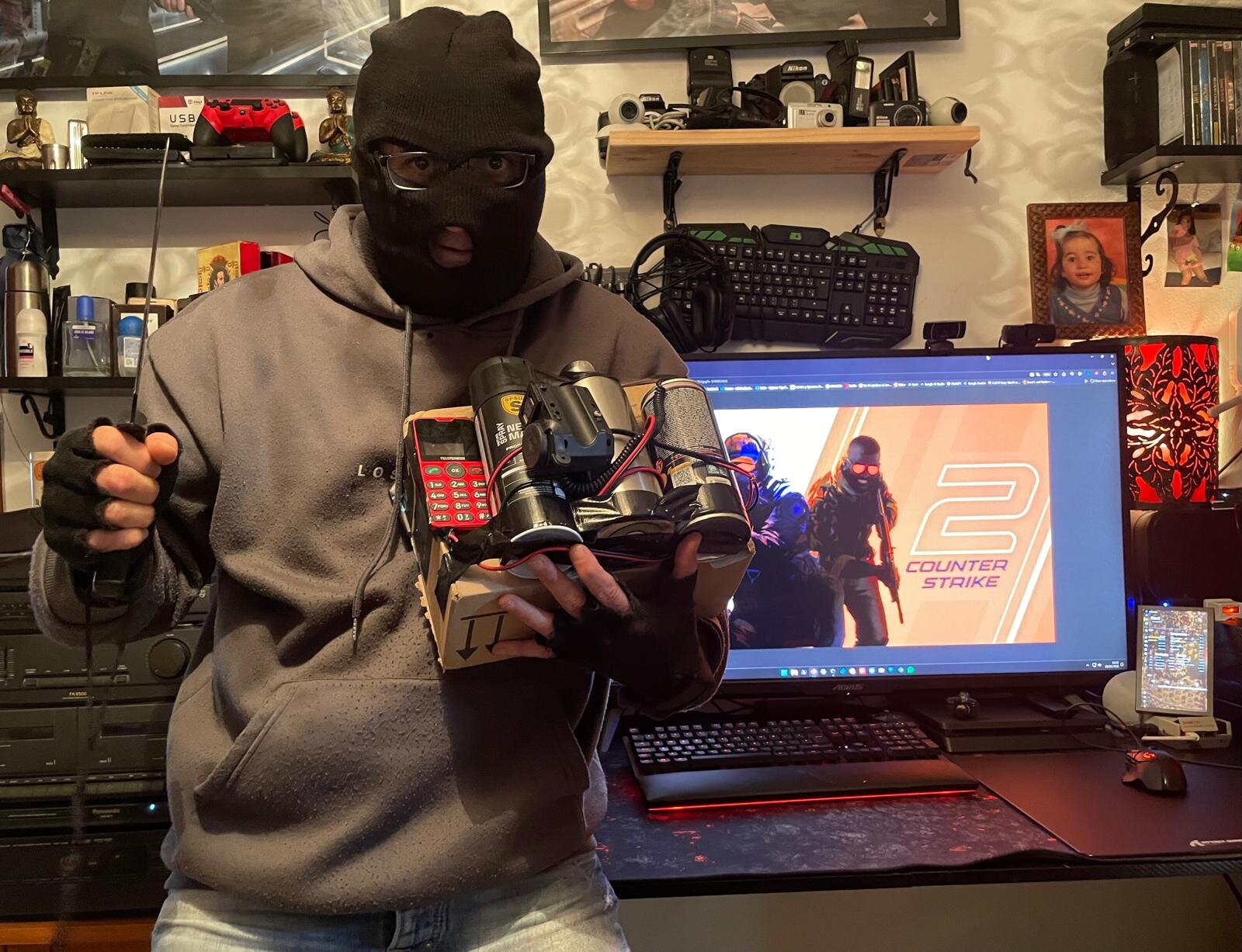
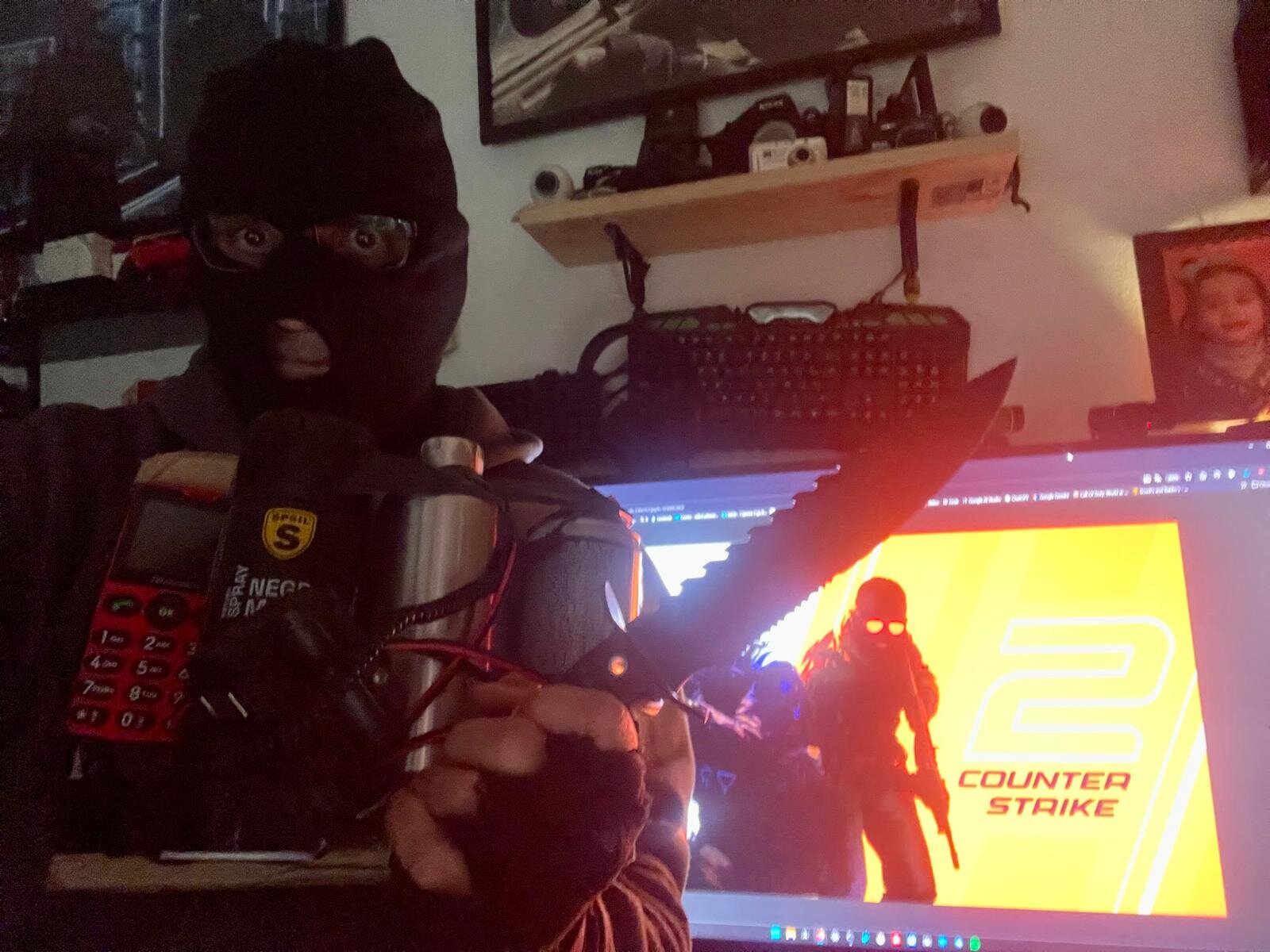
No words necesary right? Counter Strike 2 Mikel´s Fun House!!! I have the Bomb!!!! Just having fun making some custom Cosplays at Home!!! lol!!

-
MikelMahou reacted to a post in a topic:
Gaming USB LATENCY ANALYZER and QUICK Improvements Windows.
-
Gaming USB LATENCY ANALYZER and QUICK Improvements Windows.
MikelMahou replied to MikelMahou's topic in Computer Help
Must be Michaela, Or Micaela, But Mikel, is a man´s name that comes from Basqueland, in Spain, like myself, Lol! Anyways, Michaela O Micaela, or similar (depends zone) all of those comes from Latin, Mikel is Basque Lenguage. (Is you from any ascent Basque?) Mikel -
RobMc reacted to a post in a topic:
Gaming USB LATENCY ANALYZER and QUICK Improvements Windows.
-
Gaming USB LATENCY ANALYZER and QUICK Improvements Windows.
MikelMahou replied to MikelMahou's topic in Computer Help
Hello. Where i mentioned here about a 20 years Old Game? Lol! You have not read the post, or tried this solution right? Its not for a 20 years old game.. Itsss for ANY game, actual, present,past or future. The Latency or the Input Lag makes a big difference when you play, specially in modern games. But yeah, also works in ANY 20 Years old game. Mikel -
Hi there. Some days ago i was asked for some people to tell how to know and check and solve The Input Lag Latency over mouse, Keyboard even other peripheral as Audio Headset etc. Well,. the thing is so simple as it follows. To check the REAL latency added to your gaming mouse, or gaming Keyboard, Headset the most important thing to do, is just check if they are connected to the best port possible usb to direct CPU DIE, this, is what really matters, and is easy to check doing this as admin in PowerShell Cmd: irm https://tools.mariusheier.com/cpudirect.ps1 | iex You will see there a complete description of what periphericals you have connected to your MotherBoard and who are the ones are directed connected to the CPU Die. This is important, because means the input lag that you will have over those showed in grenn like in this picture tells you if the mouse, keyboard etc are correctly connected to your CPU in DIRECT way, what means the input lag in those ones are significant less or even 0. CHeck the pics and the website here to get more info about how its works: https://tools.mariusheier.com/cpudirect.html So when you see the ports are in green, they are placed in the correct USB closer to CPU DIE, less or 0 Latency. If shows in Orange, device -[CHIPSET]- [CPU] Through chipset - slight overhead is not the best but still can be used with a minimal Latency in the MotherBoard DIE. But if your usb mouse or keyboard headset or receivers for inhalambric or wireless mouse etc are in RED, device -[HUB]-[CHIPSET]- [CPU] Through hub - adds latency, What also can be cause you are using a USB multiport or HUB. (not recommended for gamming attach there nothing like a gaming mouse keyboard etc) So the thing is, you can disconnect, and re-connect port b y port, usb for usb, and run the test to be sure you have your periphericals in the correct USB. Then you also can run the MSI_util_v3.exe Tool to point all your settings at highest levels manually or auto with this program: https://workupload.com/file/3hdShxRGWhg Or: https://github.com/Sathango/Msi-Utility-v3 Final step, make this CMD lines in CMD As ADMIN: winget upgrade --all (upgrade all your programs drivers etc, in one single cmd command) chkdsk (your drive letter here): /r sfc /scannow DISM /Online /Cleanup-Image /CheckHealth DISM /Online /Cleanup-Image /ScanHealth DISM /Online /Cleanup-Image /RestoreHealth netsh winsock reset netsh int ip reset netsh int tcp reset netsh advfirewall reset ipconfig /flushdns ipconfig /release ipconfig /renewmdsched (Windows Memory Diagnostic) Also then you can download and list for keep all your installed drivers, in an usb or disk etc to have copy of all them for a new pc, or backup etc doing this in CMD as Admin: dism /online /export-driver /destination:D:\MIKEL\DRIVERS Then select usb or disk to keep them in safe place just in case you need this for a reinstall, new pc etc etc. Finally, restart or Reboot your PC. Hope this helps people. Mikel
-
MikelMahou reacted to a post in a topic:
waw issue
-
MikelMahou reacted to a post in a topic:
Red light District.
-
Hi there. Maybe and just as a simple suggestion, you could link the destroyable builds to Bomb emplacements A and B (just 2 builds where the Bomb are located in SD) That will do most realistic and great for players some class of real destroy zones. Also, taking a close look to the point, create some expolosions with animated views of those destroyable builds, lets say is a bridge, like in the map mp_bridge_2011 from Icey, that will add some immersive plays to the game. Just as suggestion. Mikel
-
Hi there! Steam cd keys are not more longer active to multiplayer since endind 2020. This is because they got out of MP CdKeys in Activision. Some time ago, they added some more cdkeys for a short time, like 2021 October until 2022 December. Since then the ONLY way to activate a Steam CDKEY for MP is an old CDKEY that WAS ACTIVE BEFORE 2020 or an ACCOUNT STEAM ACTIVE BEFORE 2020. But...... The Thing and great news if you still want play MP is you can bought a CDKEY from retail version disk, no matter time was made, and get the CDKEY to activate it. Then you can add that game, because you will have to install it as cd install again (new install) as usual, then add the route to the .exe to your steam games library and you will have the game in your library steam to start it from there, or desktop icon for launch game. Also, there is a trick for the register windows, where you can change the cdkwy actually set up in your game and then copy the steam account game register adress and paste there the new cdKey wich will allow you to play with the original Steam game you had installed before. THe route for Windows Registry to change your ID and CDKEY is: HKEY_LOCAL_MACHINE\SOFTWARE\WOW6432Node\Activision\Call of Duty WAW Note: On 32-bit systems, it may be HKEY_LOCAL_MACHINE\SOFTWARE\Activision\Call of Duty WAW. Here a way to go guide to help: To change the CD Key for Call of Duty: World at War (CoD WaW) via the Windows Registry—often required to fix "key in use" or "invalid key" errors when playing online—you must modify the registry entry and restrict permissions to prevent Steam from reverting it. Registry Key Location The CD key is located in the Windows Registry at: HKEY_LOCAL_MACHINE\SOFTWARE\WOW6432Node\Activision\Call of Duty WAW Note: On 32-bit systems, it may be HKEY_LOCAL_MACHINE\SOFTWARE\Activision\Call of Duty WAW. Steps to Change CD Key Open Registry Editor: Press Windows Key + R, type regedit, and hit Enter. Navigate: Go to HKEY_LOCAL_MACHINE\SOFTWARE\WOW6432Node\Activision\Call of Duty WAW. Modify Codkey: Find the key named codkey on the right side. Right-click it, select Modify, and paste your new working key. Important: Enter the key without hyphens (e.g., ABCD1234ABCD1234ABCD). Prevent Reversion (Permissions): Steam often resets this key. To prevent this, right-click the Call of Duty WAW folder on the left pane and select Permissions. Restrict Access: Click Advanced. Uncheck "Allow" for all users (or just for Steam/SYSTEM) and ensure only Read is permitted. Click Apply. Fixing "Profile Could Not Be Created" If the key change does not allow you to create an online profile, it may be due to improper key formatting or permission issues. Remove Hyphens: Ensure the codkey in the registry has no hyphens (-). Run as Admin: Run Registry Editor as an Administrator to ensure permission changes apply. Also as has been said before check this guide for Steam users https://steamcommunity.com/sharedfiles/filedetails/?id=2910762686 Greetings Mikel
-
Hi, guess all is solved right @Mazdarati?? Let me know if need more help. Greetings Mikel