
PickleRick
-
Posts
161 -
Joined
-
Last visited
-
Days Won
1 -
Donations
0.00 USD -
Points
711,050 [ Donate ]
Content Type
Profiles
Forums
Gallery
Twitch
Running Commentary
Events
Store
Downloads
Everything posted by PickleRick
-
Get well soon Hatch!
-
Warhog
-
Temporary test (do this first) - Turn **Adaptive Sync / FreeSync / G-Sync** completely **OFF** on the monitor. - Force the monitor to a fixed **240 Hz**. - Test the game again. If the lag goes away → the problem is VRR interacting with that game (very common). Proper fix depending on GPU: **If NVIDIA:** 1. Keep Adaptive Sync **ON** on the monitor. 2. In NVIDIA Control Panel → Set up G-SYNC → Enable for full screen. 3. Manage 3D Settings → Vertical Sync = **On**. 4. Cap the game a few frames under your target (e.g. if you want ~125, cap at 123–124 with RTSS or NVIDIA limiter). **If AMD:** 1. Keep Adaptive Sync / FreeSync **ON** on the monitor. 2. In AMD Software → Gaming → Graphics → Enable Radeon FreeSync. 3. Cap FPS a few frames under max (same as above). 4. If lag persists, try turning FreeSync **off** as a test.
-
The Save Europe Act is the first ever campaign to launch a patriotic European Citizen's Initiative. Sign now to halt replacement migration, secure our borders, and protect the ethnocultural identity of European nations. https://www.save-europe-act.com/
- 1 reply
-
- 2
-

-
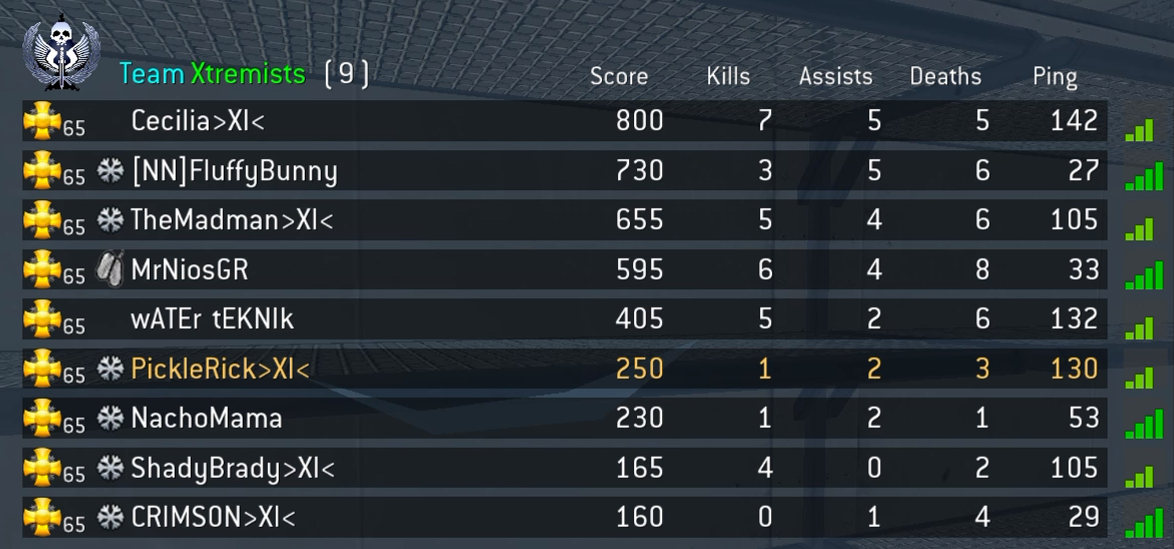
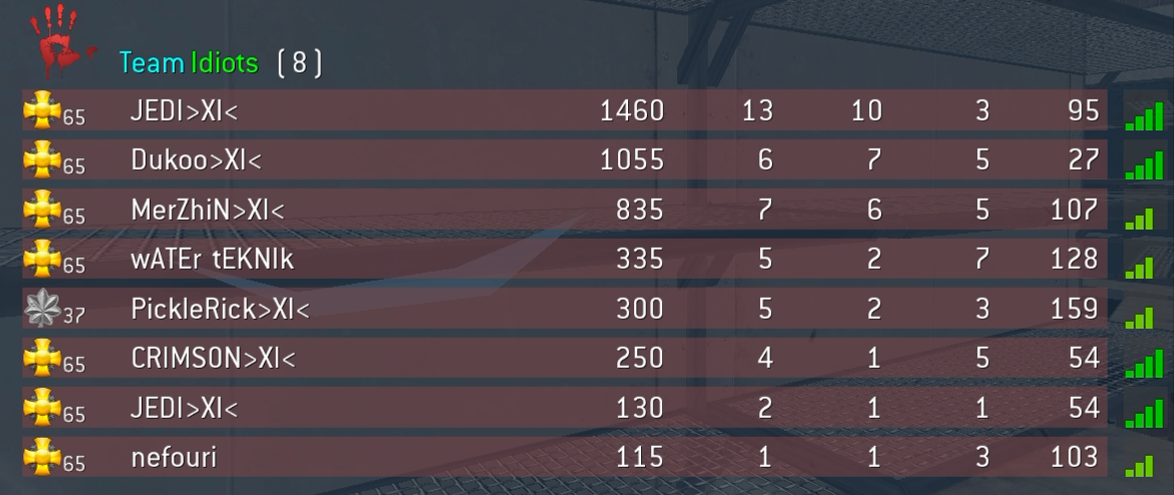
 Wrong and duplicate names on scoreboard. Me and Crimson appear on both teams while Duffy doesn't appear at all in the enemy team. Meanwhile Dukoo appears as spectator in text chat but is displayed on the enemy team as playing. This is a known naming issue with cod4x which these guys have solved in their server: https://memebois.co/
-
cuz mac sucks ?
-
DUKOOO KLEINE LUL! Welcome back!
-
Nice! Welcome C!
-
That's wonderful Ninja! Congrats!
-
Welcome @Themadman!
-
Windows Is Falling Apart, And Microsoft Is Panicking
PickleRick replied to Barron's topic in General Discussion
Then you can finally say: "I use Arch btw" -
Greetings from the Isolation ward in the Hospital
PickleRick replied to Cheyenne's topic in General Discussion
Hope you get better soon Cheyenne! ? -
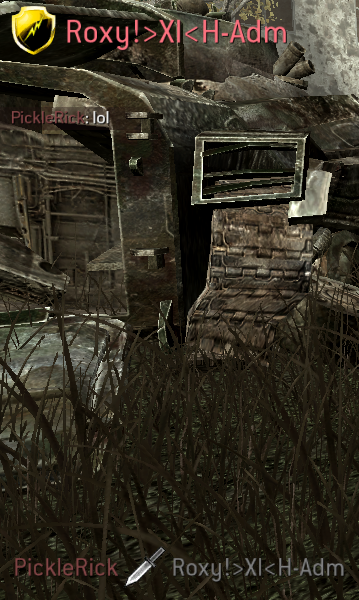
I miss knifing @Roxy!
-
Merry Christmas everyone! ?
-
First Impressions. Hello All!
PickleRick replied to NickVandal's topic in Call of Duty 4's Call Of Duty 4 Discussion
Hahahaha Wildthong and Duffy on point -
@FlyingDutch is that true?
-
https://github.com/abbodi1406/KMS_VL_ALL_AIO
-
How to Turn On a Lamp with a Blue Lampshade ??1._Greet the lampEnter the room with a calm, yet.mp4
-
I was kinda hoping that was a euphemism.
-
Sorry for your loss Mark. May he rest in peace.
-
It's great seeing people come back to the game!
-
Some pictures of my latest trip to Egypt.
PickleRick replied to Gardevil-Be's topic in General Discussion
These shots are stunning! -
had to redo cod 4
PickleRick replied to Senzei 's topic in Call of Duty 4's Call Of Duty 4 Discussion
@Senzei Install the game on steam, enter multiplayer, open console by pressing the (~) key (if console doesn't show up you can enable it in the settings), and then paste this: /connect 164.132.119.139:27979 It's a cod4x downgrade server which downgrades your game from 1.8 to 1.7 and installs cod4x. -
This is wonderful Ninja! Congratulations!