
Timmah!
-
Posts
6271 -
Joined
-
Last visited
-
Days Won
123 -
Donations
310.00 USD -
Points
2,027,450 [ Donate ]
Content Type
Profiles
Forums
Gallery
Twitch
Running Commentary
Events
Store
Downloads
Everything posted by Timmah!
-

-
His tech support answered me to tell me he couldn't fix it, that the CEO had to unblock it...5 hours later the CEO contacted me to say basically things just don't get done very fast if at all on Sundays but he unblocked me from the false one-man DDOS attack flag, yet am still blocked.
-
20 hours later and my ip is still blocked from connecting to any and all of our gaming servers. Owner told me 10 hours ago he unblocked me, and apparently didn't unblock the correct ip...
-
Look...I want any crap outta you, I'll squeeze yer head! =D
-
lol, jerk. The thing that chaps my ass is: The Oxide mod that I installed is directly available for installation on the control panel mods tab...so the normal business of adding plugins to a feature integrated into the game panel results in being blocked from that game & all other XI game servers until the CEO gets around to unblocking me....apparently nobody else has this ability...to remove a block that shouldn't have happened in the first place....8 hours ago.
-
I contacted NFO customer support, and the guy said apparently their wonderful software blocked my ip address, so I can't admin the Rust server, play on the Rust server, or play on any of our servers until they get their heads out of their asses and unblock my ip. I was using an ftp to install some plugins to the Rust server...it happened shortly after this...that was 7+ hours ago. The tech guy said he would have to contact the CEO to unblock me...whenever he gets around to it.
-
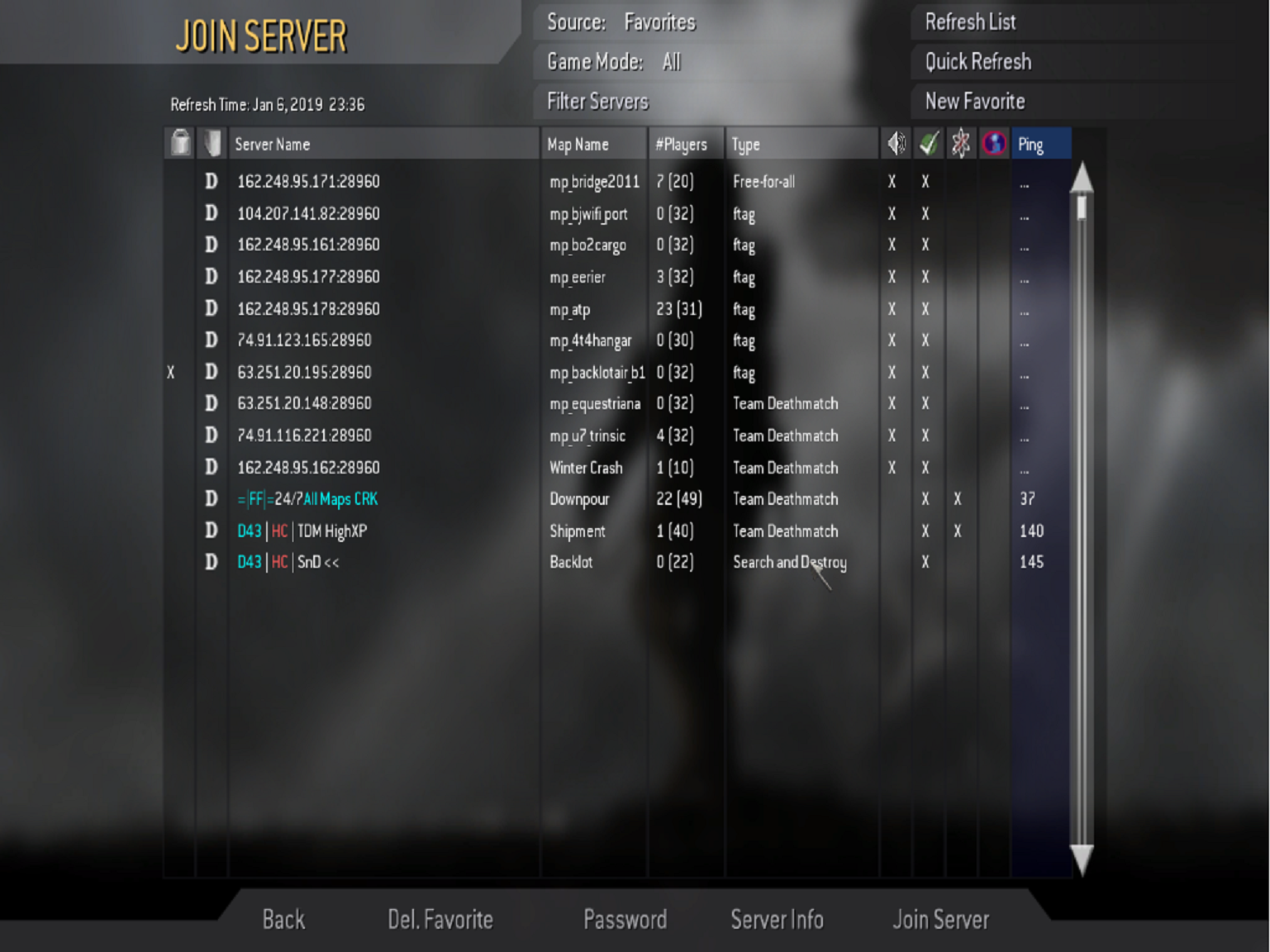
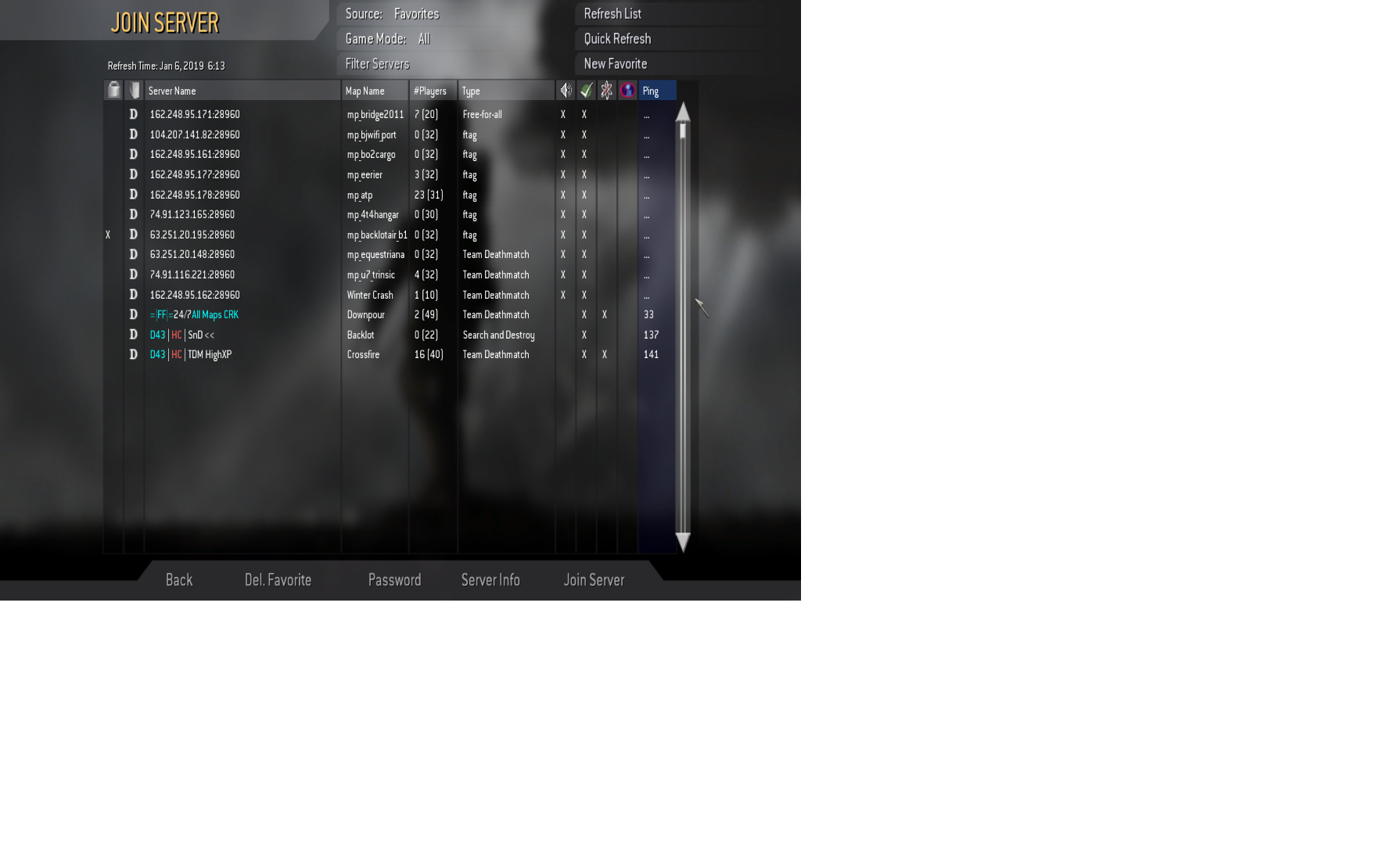
yes...but...I can't access the cod4 servers as you can see from teh screen shot...and that's from a hard disc installation, not Steam....I can't even connect to the nfo server web page unless I use a proxy....even turned off my firewall and antivirus...the search continues.
-
Your momma! ?
-

Video for Crack>XI< and all of those who have not seen it.
Timmah! replied to wildthing's topic in General Discussion
+1 -
Can't connect to any of our servers...other game servers, sure...but not ours at the moment. =( Gotta love the internet: Microsoft Windows [Version 6.1.7601] Copyright (c) 2009 Microsoft Corporation. All rights reserved. C:\Users\Timothy>tracert www.nfoservers.com Tracing route to www.nfoservers.com [66.85.15.1] over a maximum of 30 hops: 1 9 ms 9 ms 9 ms 96.120.52.213 2 10 ms 10 ms 10 ms 68.86.149.97 3 11 ms 10 ms 10 ms 162.151.95.149 4 11 ms 11 ms 11 ms ae-32-ar02.nashville.tn.nash.comcast.net [162.15 1.94.237] 5 25 ms 25 ms 25 ms be-22909-cr02.350ecermak.il.ibone.comcast.net [6 8.86.92.5] 6 24 ms 23 ms 23 ms be-10563-pe01.350ecermak.il.ibone.comcast.net [6 8.86.82.158] 7 24 ms 24 ms 24 ms chi-b21-link.telia.net [62.115.150.2] 8 23 ms 24 ms 24 ms chi-b22-link.telia.net [62.115.141.170] 9 * * * Request timed out. 10 * * * Request timed out. 11 * * * Request timed out. 12 * *
-
don't be comin' in the server idlin' around...or I'll have Yaccster kick your fuzzy pink arse.
-
Happy Birthday! (& FU)
-
Heynow! Welcome to the forums. Looks like you got one of those black particle board jobs from Wal mart just like I....and your cat...at least it sits beside you instead of directly in front of you.
-
Facepunch wipes the servers with their update the first Thursday of each month between 3 & 5 pm EST. Our server will wipe shortly thereafter with a fresh map. Oil Rig Monument is coming!
-
Sounds like a good candidate!
-
Happy Birthday!
-
Just don't try taking the keys! =O Too soon?
- 1 reply
-
- 1
-

-
Talked to Hxtr...said it had something to do with contrails or something.
-
First word pops into my head is: codec.
-
You'll shoot your eye out!
-
Happy Birthday, buddy! ?
-
Oh...& nuked a few spuds for those that wanted a last-minute 'baked' potato. Just stick it a generously with a fork, add a little water to the plate and nuke 'em.
-
Actually, I made Ribeyes, a duck, garlic mashed potatoes, gravy, mixed vegetables, lazy add-water stuffing, & chili-cheese fries with cheddar on top. Everyone got what they wanted. Made a turkey for Thanksgiving...Xmas is too soon for another one, for me. What'd you make/have?
-
It's a game we host.
-
Thanks for the forum, Rugger! Youdaman!