Leaderboard



Popular Content
Showing content with the highest reputation since 09/03/26 in all areas
-
Hey everyone, been a while since I was on here. Wanted to date an amazing update with you all!! After 8 years and a year at the fertility clinic that ended with a failed first round, we are finally getting our rainbow baby and naturally!
 18 points
 -
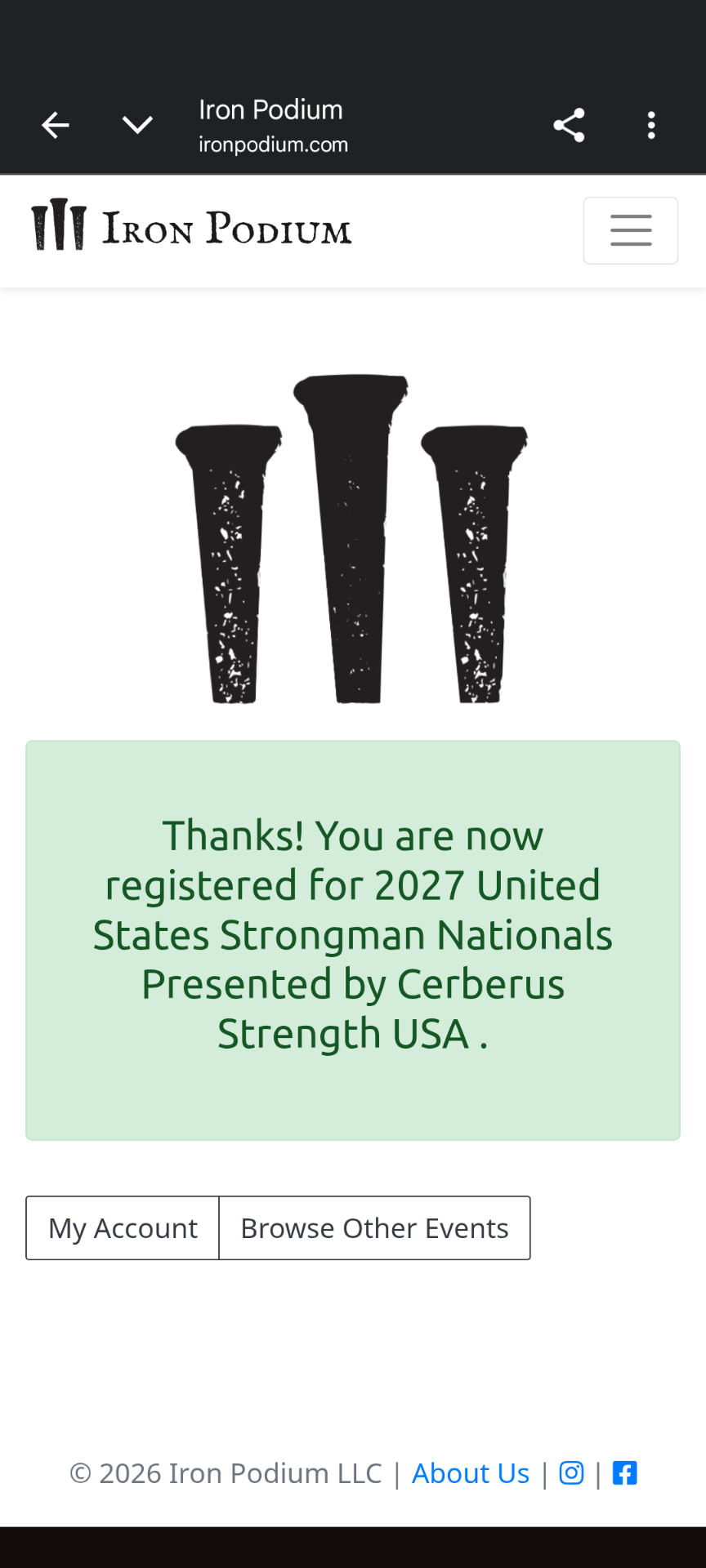
By winning Pennsylvania's Strongest on Saturday for my weight class, I qualified for my first Nationals which will be in my home state of New Jersey next June. I lost 15 pounds this year and qualified for the 308 lb weight class which gives me the option to compete as a 308 or Open. Here's my favorite moment from this weekend: 310 lb Farmer's Carry (per hand). New PR. VID_20260906_082919_000.mp4
14 points
-

Couple new things added to COD4x MW2 Freezetag Updated 9/7
Kisses4You and 6 others reacted to Ruggerxi for a topic
1. Added smart bots to the server, if there are less than 10 people on the server it will fill up with 16 bots. Once the server hits 10 people the bots will go away. This will give early morning and late night players bots to kill. If there is 3 or less real players you will auto defrost, 4 or more you will need to be defrosted by the bots or your human teammate 2. Auto balance added during a round 3. Fixed it when someone joins in the middle of OT or sudden death, it doesn't add to the alive players count so we don't end up with the 1 actual player alive but it shows 2 alive 4. Fixed during sudden death, if you use a killstreak that gives player markers like predator, you don't get the radar dots back after 5. Fixed the showing name of other team talking glitch 6. Fixed the no sound on respawn, I couldn't find the original sound, so let me know what you think of the new sound 7. Fixed the idle monitor warning before kicking7 points -
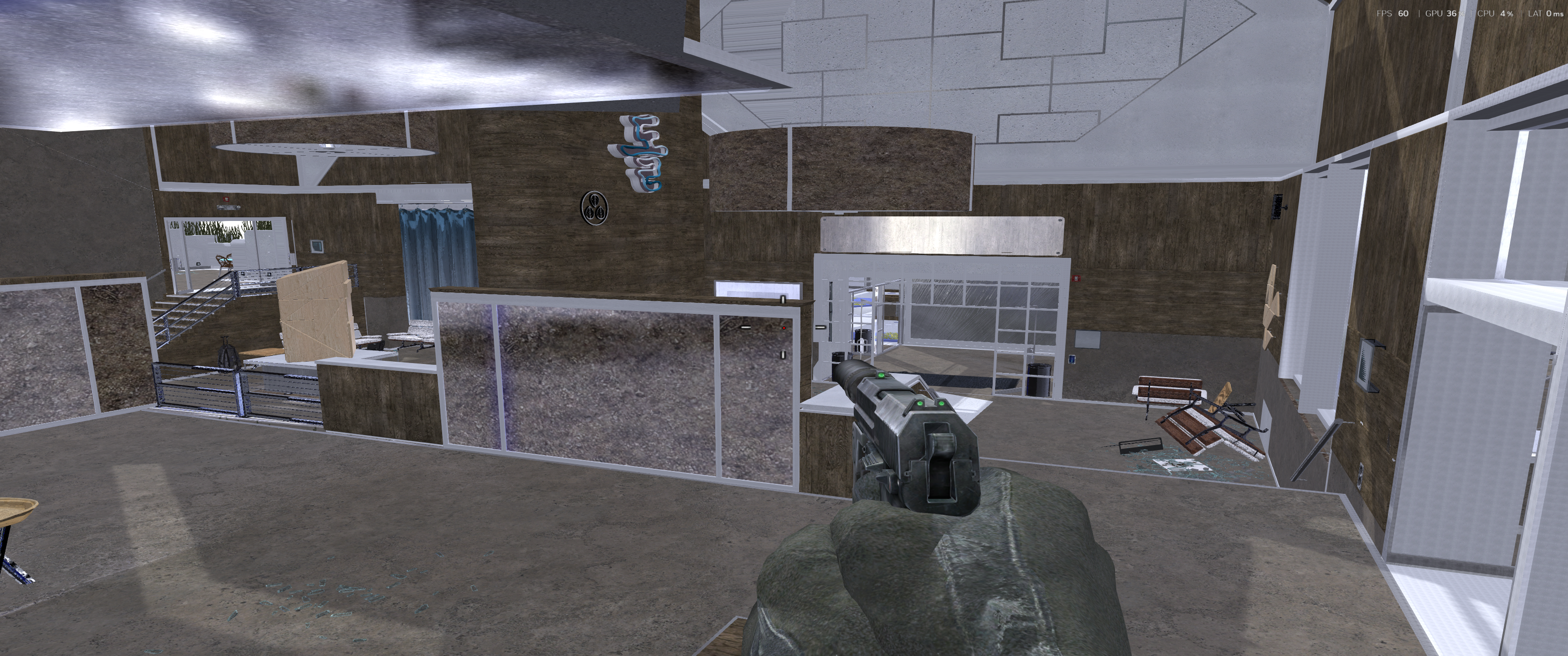
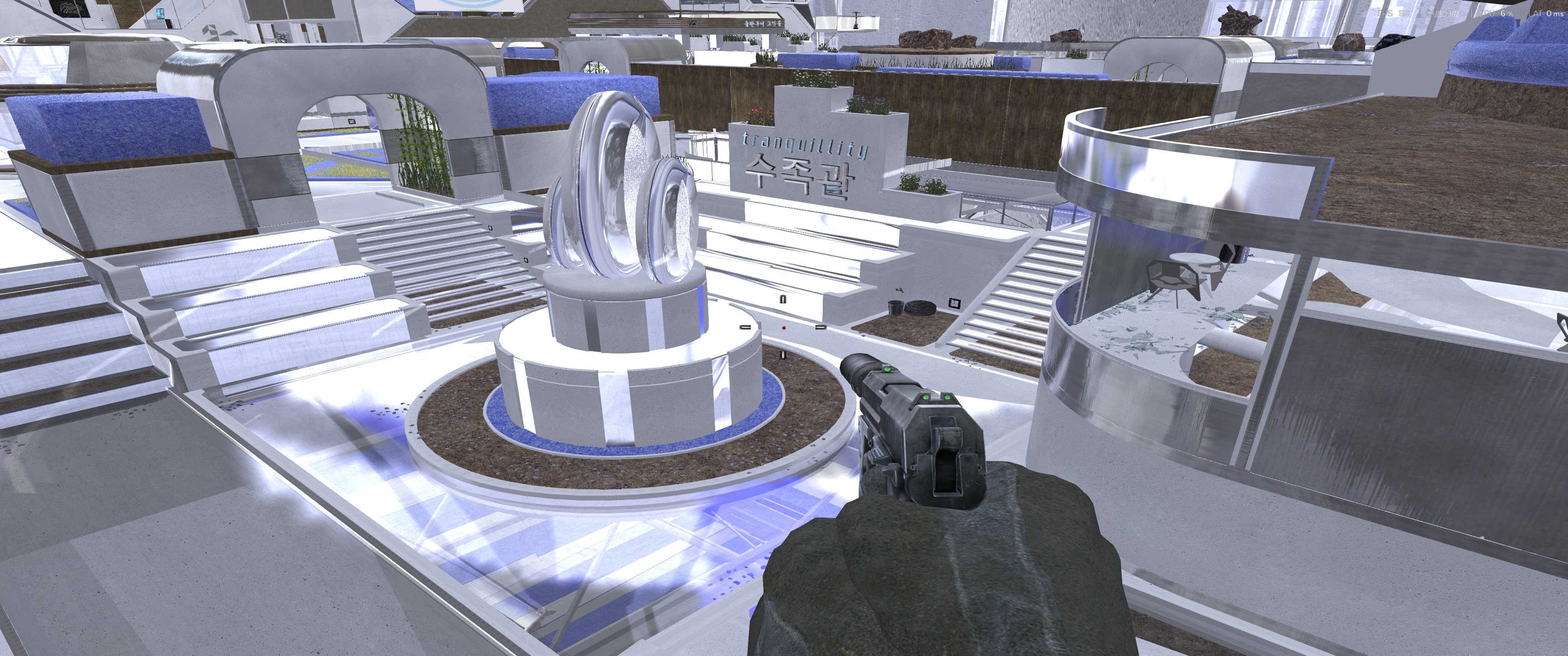
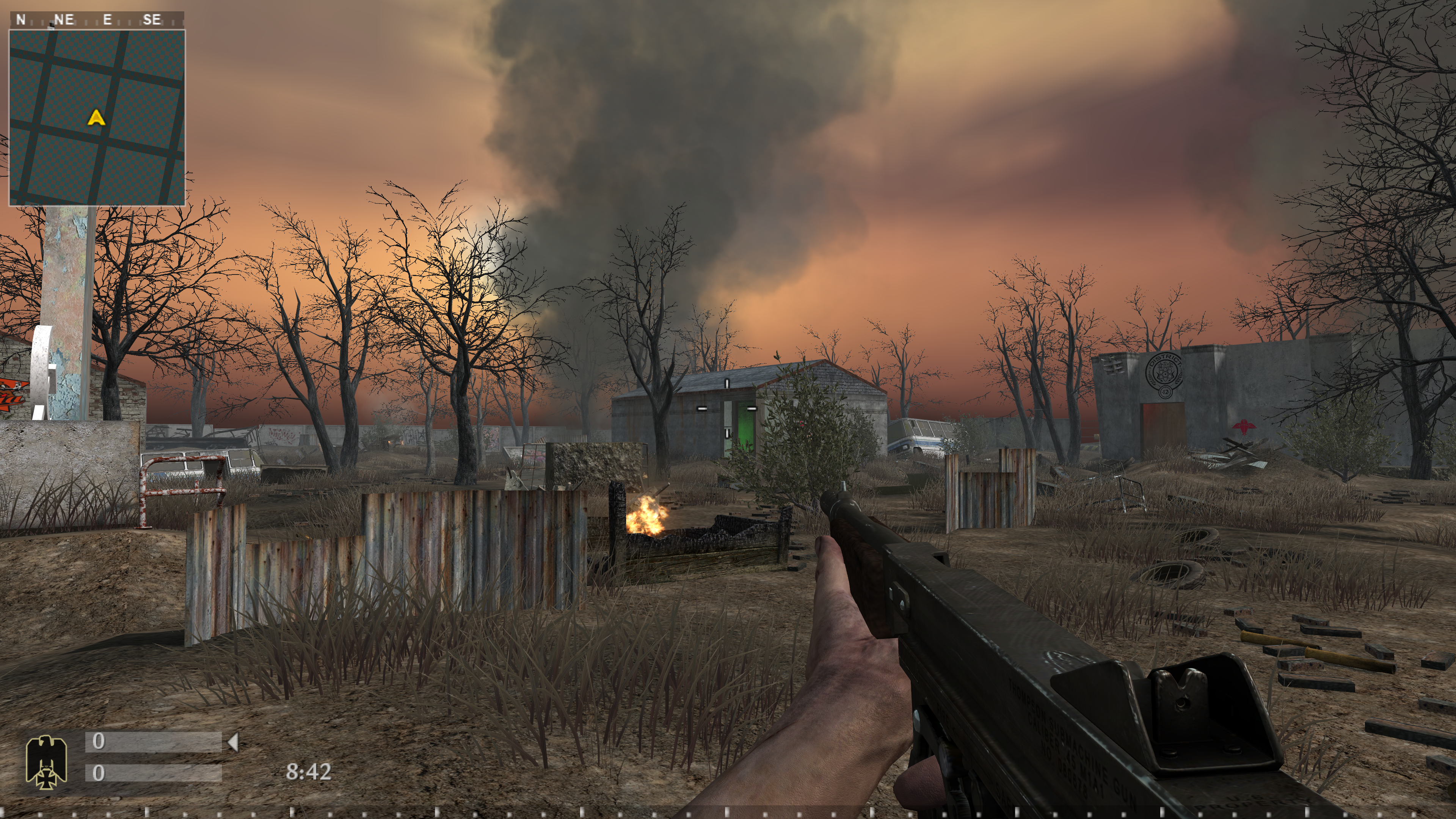
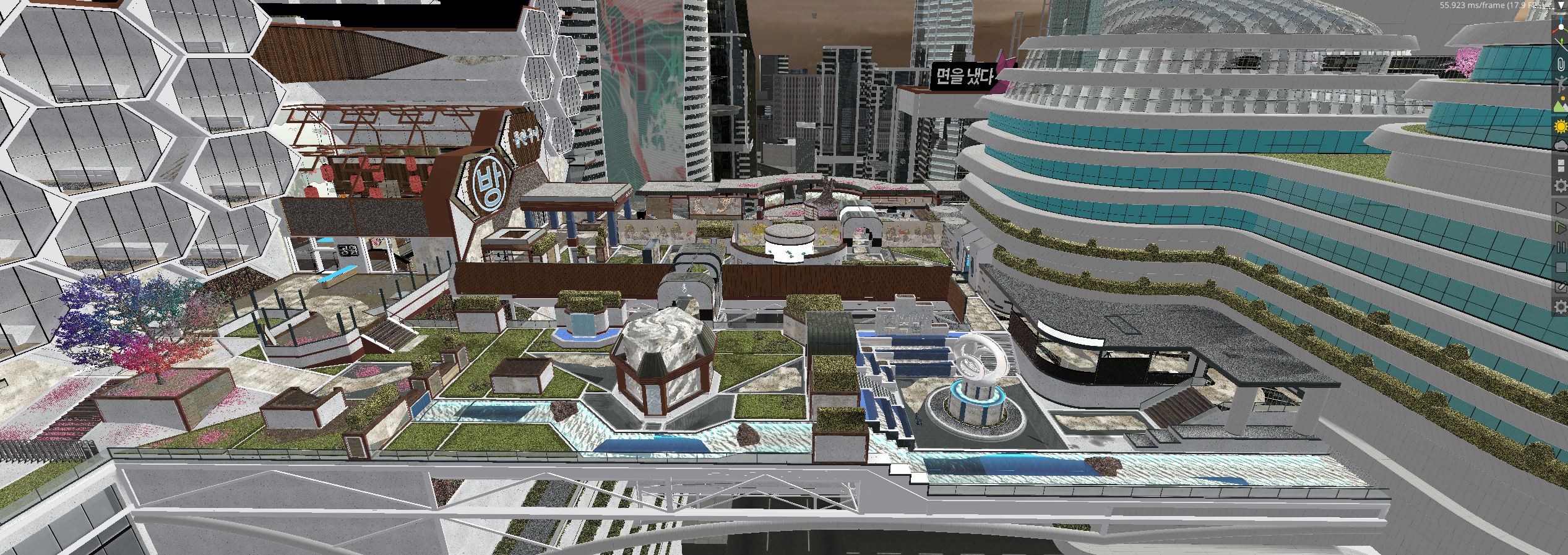
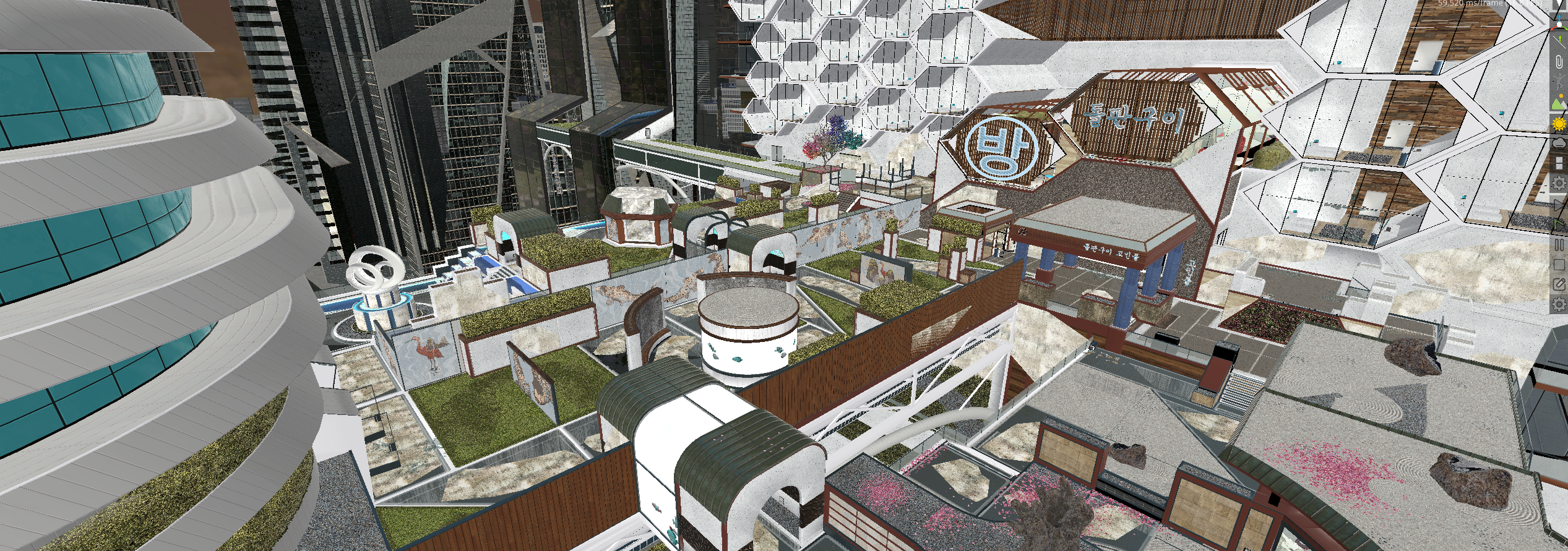
Well some people hate AI but I'm pretty impressed. I can now create model groups from some newer cod maps and import them into radiant. Clowntown was the first try, and i think it looks pretty good but not perfect. I still need to recreate the player collision and do a lot of manual stuff but I plan on doing several more maps. here are some screenshots of the next one. It still needs work, but hot damn.
5 points
-

CoD4x Map Rotation #15
J3st3r and 4 others reacted to WldPenguin for a topic
Rotation #15 24 maps put in rotation 09/03/26 map mp_atp map mp_bo2overflow map mp_roundup_day map mp_complex map mp_gridiron map mp_kamakura map mp_burgundy_bulls map mp_fabrika map mp_hk2 map mp_4hanoi map mp_meanstreet2 map mp_bridge2011 map mp_bog map mp_beta map mp_bungle map mp_tobruk_4 map mp_pic map mp_bacalao map mp_counter map mp_shantytown_eu map mp_fallen map mp_borisbeta map mp_psycho_day map mp_ad_spannaville server needs a restart - admin please post time when complete Enjoy!5 points -
First off don't forget about the daily games, try to beat everyone else on the leaderboard or just play your favorite games daily. Come back everyday and try to solve a new puzzle https://www.xtremeidiots.com/dailygames/games/ !!The Main Announcement!! **The XtremeIdiots Casino is open — three tables, four slot machines, draw poker and every point you've ever earned on the line. You use your membershop points to play** https://www.xtremeidiots.com/casino/ Sit down at Blackjack, Baccarat or Hold'em and **you're sharing the table with other XI members, live**. Same dealer, same shoe, names on the seats, and **live chat right beside the felt** so you can talk trash the whole way through. Log in with your forum account and play with the **Members Shop points you've already got**. Win, and it goes straight back into your shop balance. **Free chest, every day.** There's one waiting in the lobby right now — click it and it pays 1,000 up to 50,000 on the spot. One per person per day. **Multiplayer tables — 5 seats each:** - **Live Blackjack** — one shoe between you, 3:2, splits and doubles - **Live Baccarat** — whole table backs the same hand, all the side bets - **Ultimate Texas Hold'em** — side by side vs the dealer, Blind pays up to 500:1 **Solo:** Video Poker (ten games in one machine) and the Slot Floor — four machines, 243 ways, with Pick, Fire Link, Wheel and Free Spins bonus rounds and their own Grand/Major/Minor/Mini jackpots. Limits: 100 to 5,000,000 at the tables, 100 to 50,000 on slots and video poker. This is for members or non members, you just need a xtremeidiots.com account to play There will be new slot machines added in the future See you at the tables. Big Shout! out to Devious for doing the graphics work for the casino4 points
-

Annual WAW clan drill 2026
Ghostlupus and 2 others reacted to RobMc for a topic
I normally don't like putting up Youtube vids, (most of us know why) but I'm sure the idiots would love to see this years meet, greet and drill held in the UK. Special guests were @BUDMAN and @TBB who swam over from the States, in the front row on the left. Bonus points for those spotting @monkie @Ghostlupus and @Totty warming up before a great night in the park toilets, well done all of you with a warm toast of Whisky, 'bottoms up'3 points -
Ahh shit, anyone got some more of those points kicking around. I may have a fake gambling problem3 points
-

Got Kicked again on Bog!
major-mark63 and 2 others reacted to Dukoo for a topic
Yeah blame me for getting 36 knife kills. i am sorry3 points -
@RobMc being modest3 points
-
New rotation maps are map mp_5nav1 map mp_78gaperon map mp_africorp_rmk map mp_agx_burgundy map mp_akushima map mp_amberville map mp_anzio map mp_asylum map mp_ravine map mp_beertruck map mp_beuvron map mp_desolate map mp_dugin map mp_nachtfeuer map mp_outskirts map mp_overcong map mp_ax_simmerath map mp_snr_vimyrd map mp_winter_crash3 points
-
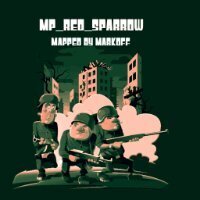
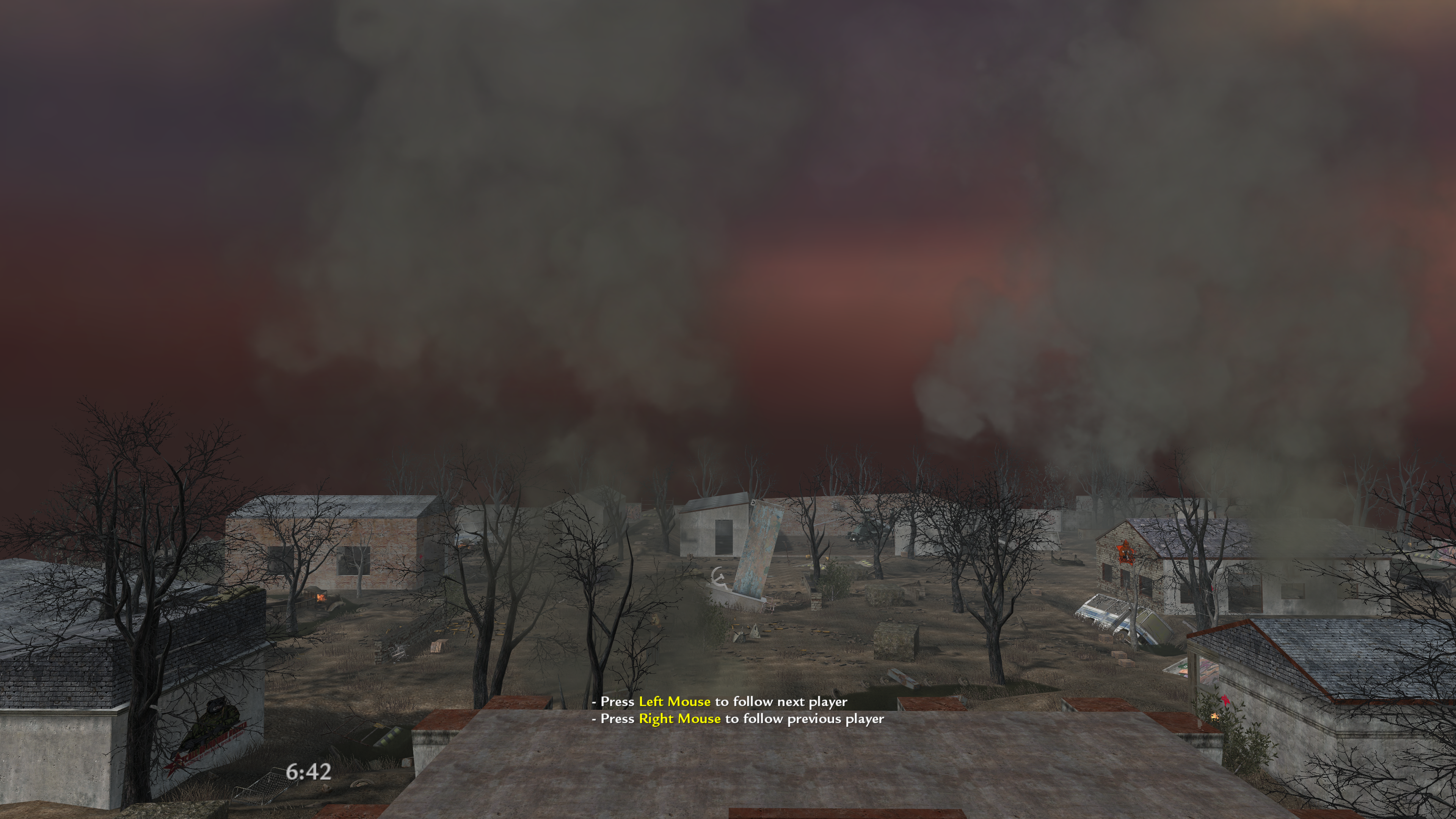
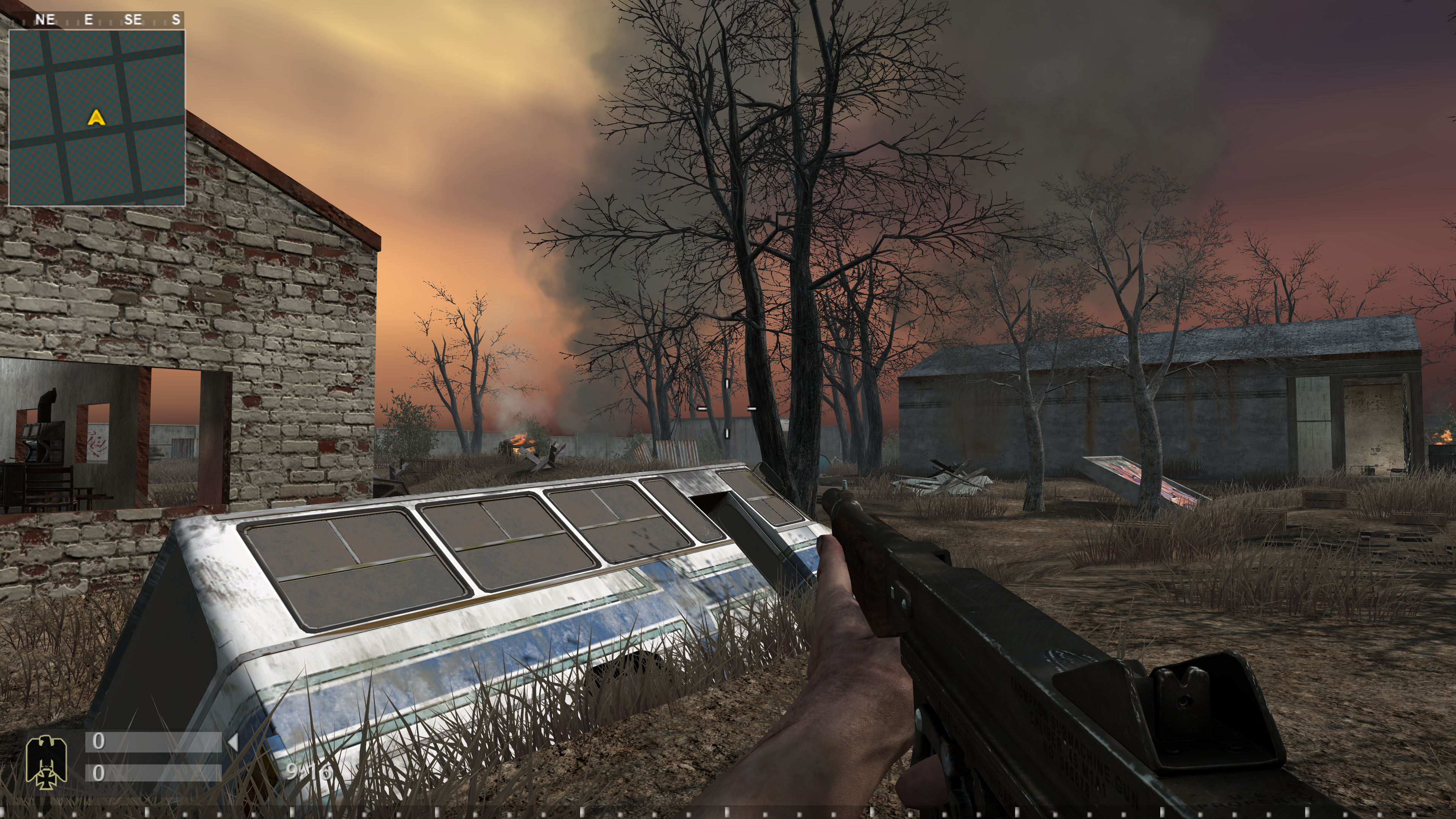
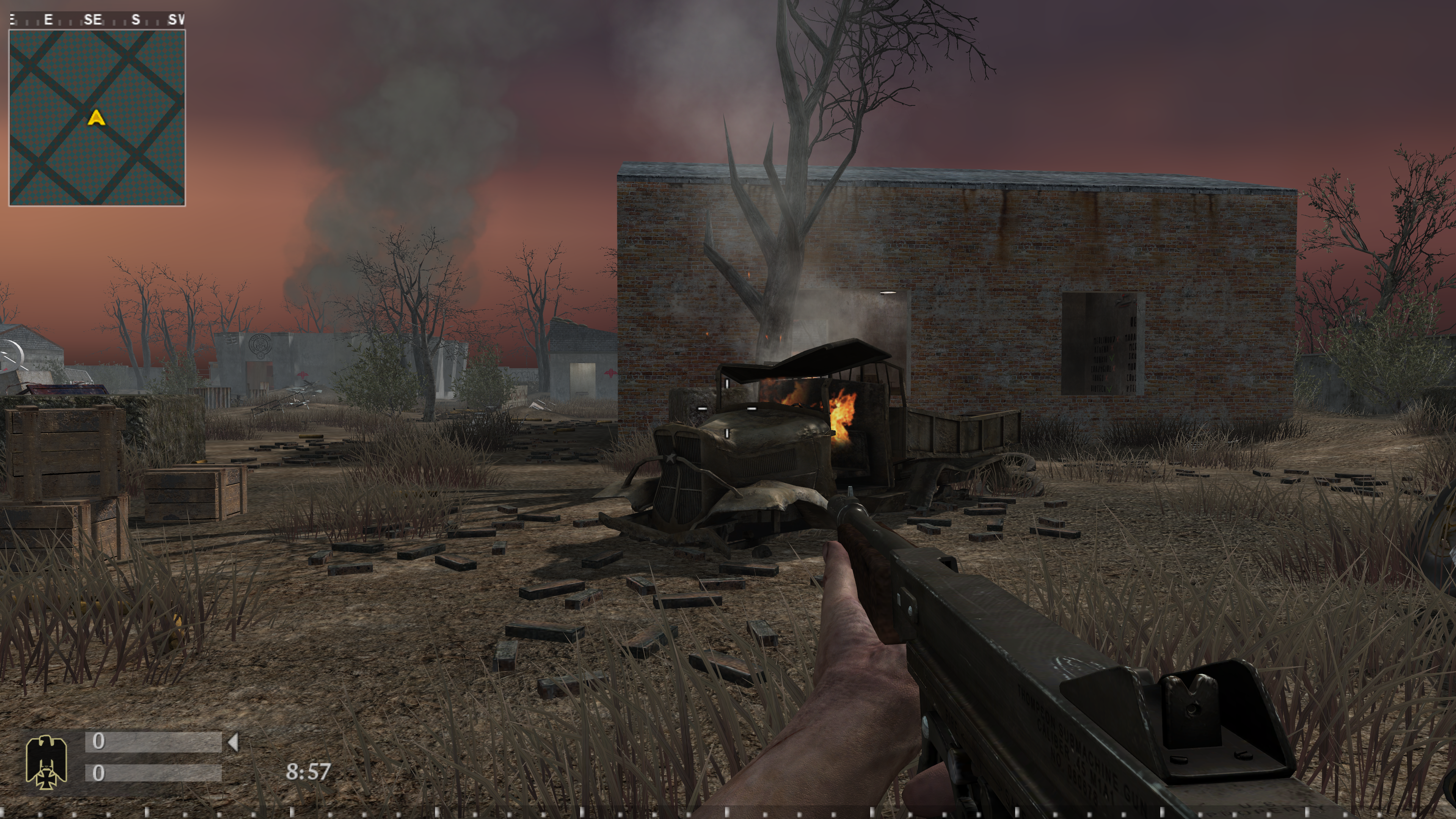
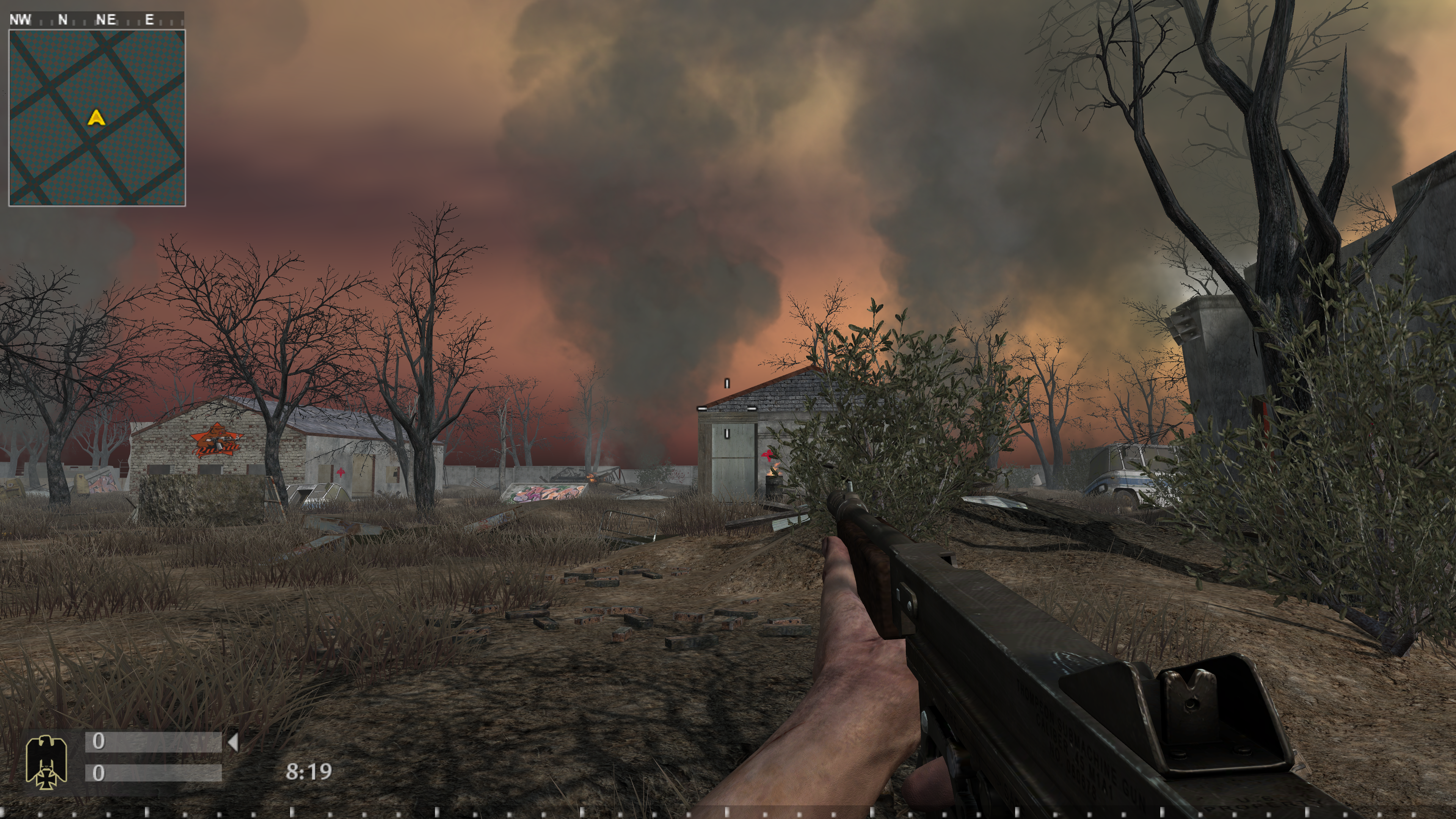
map mp_red_sparrow fx update
NinjaBazZa and 2 others reacted to Markoff for a topic
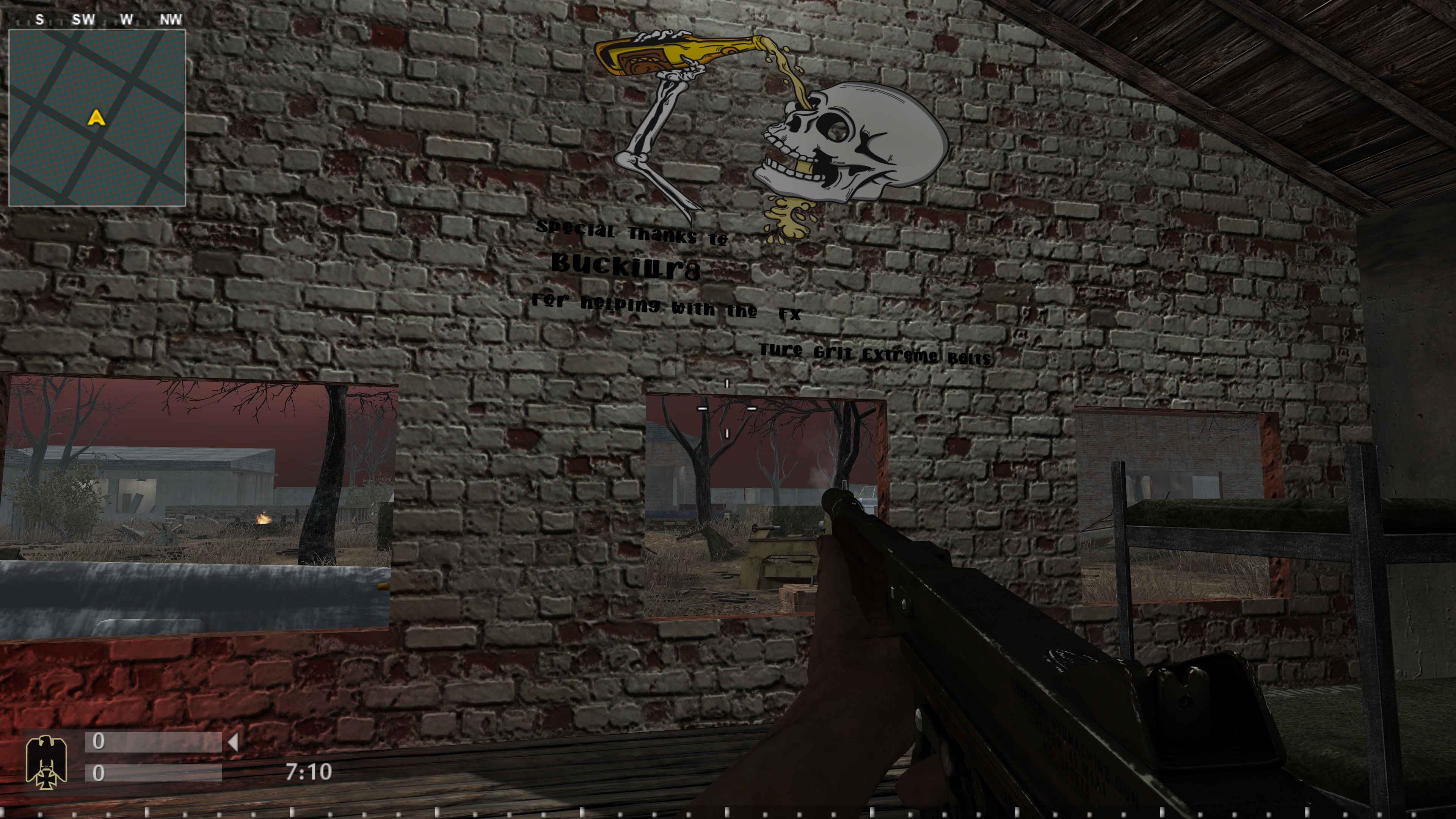
Hi all a few FX pictures fire, smoke, fog the map has sound distant artillery ,air raid, far away bombs plus announcer game type will be death match, team death match and [ sabotage for freeze tag ] teams Russian v German
3 points -
Sent you a cool mil. Cheers2 points
-
Great job! I need to get you a >XI< shirt to wear at these events2 points
-
Congrats and very well done!!! I remember watching Franco Columbu back in the 80s do that drill too quickly. His knee gave way on ABC wide world of sports. I was a teen having had my first knee surgery and thought it was the craziest thing a person could do. You're a machine! Good luck at nationals. My doctor told me I need to lift weights now that I'm over fifty but they're just too damn heavy2 points
-
2 points
-
Lots of ladies say @TBB is strong, unfortunately it's his odour2 points
-
2 points
-
Due to apparent trouble from somewhere called Russia they're thinking of bringing back conscription in the UK. I jumped straight in, I've always wanted to dye for my country, but I've been rejected, apparently 'purple is out'? I offered myself to the SAS, and was told you need to have incredible skills, well those of you who played against me know that? My cv describing my Call of Duty experience was laughed at. Does my dedication and mouse finger not count in the defence of my country? I feel slighted, so I ask you all (Basil excepted) to tell the UK government that Rob is an asset, not an ass which they described me as Can the older members not remember the posters 'Your Country needs you'? I'm gutted I can't fight2 points
-
New rotation maps are map mp_78gaperon map mp_82ab_nomonha map mp_agx_eindhoven map mp_agx_shinu map mp_armory map mp_beltot map mp_cabanatuan map mp_courtyard map mp_dugin map mp_gb_atami map mp_ict_stone map mp_little_town map mp_overcong map mp_railyard map mp_rtcwchateau map mp_stream2 map mp_ugcarena map mp_wbridge map mp_xi_jordan5 map mp_yomi2 points
-

New rotation for OWFT
legi_istra and one other reacted to skuzapo for a topic
New rotation maps are map mp_1078carentan map mp_78shipwreck2 map mp_agx_burgundy map mp_all_out map mp_bocage3 map mp_cw_farm map mp_doc78 map mp_farmhouse2 map mp_hill78 map mp_kokoda map mp_malta2 map mp_nazaire map mp_pds map mp_reichattack map mp_showdown map mp_snr_boots map mp_snr_khalkhin map mp_southside map mp_vm_crash map mp_vm_maichau2 points -
Thank-you skuzapo.2 points
-
Thank-you skuzapo.2 points
-
I'll wear flip flops like the rest of my country2 points
-

Need your help, it's kicking off
major-mark63 and one other reacted to MikelMahou for a topic
Dear Rob! I think you will more usefull for your country, if that situation with Russia comes finally, doing what you do better! that is an very underrated mission today: "Testing Quality of Beer served to British Troppers, and of course taking care about female prissioners underweae conditions." if you do that for your Country i have no doubts, you will became "SIR" called by Charles King himself (He is a real lover of both things right?). And in the rare exception they dont take you seriously, i can talk some friends in the Foreigns Special Task of Drunkers, where we got already a lot British Volunteers in the Costa Del Sol and Benidorm and Plama de Mallorca and Magaluf!!!!2 points -

Need your help, it's kicking off
Essssieeee and one other reacted to Key53 for a topic
Rob I will ship you a box of Ramon noodles to hold you over.2 points -
Update Another bulletin from the gov saying we need to be ready to March, ffs it's only just September?? and Rob lays low in the winter. We've been told to stock up on food and water (true) so I bought an extra pot noodle this week and a bottle of pop, result. Broke out the old GAT air pistols ready in case I need to hunt, corks are looking a bit 'crusty' but a splash of WD 40 should do the trick. When those Commies appear in the street Rob will be ready, don't you worry England, I've got your back. Now where did I put that longbow?2 points
-

New rotation for OWFT
legi_istra and one other reacted to rexbowan for a topic
Thank you Skuz!2 points -
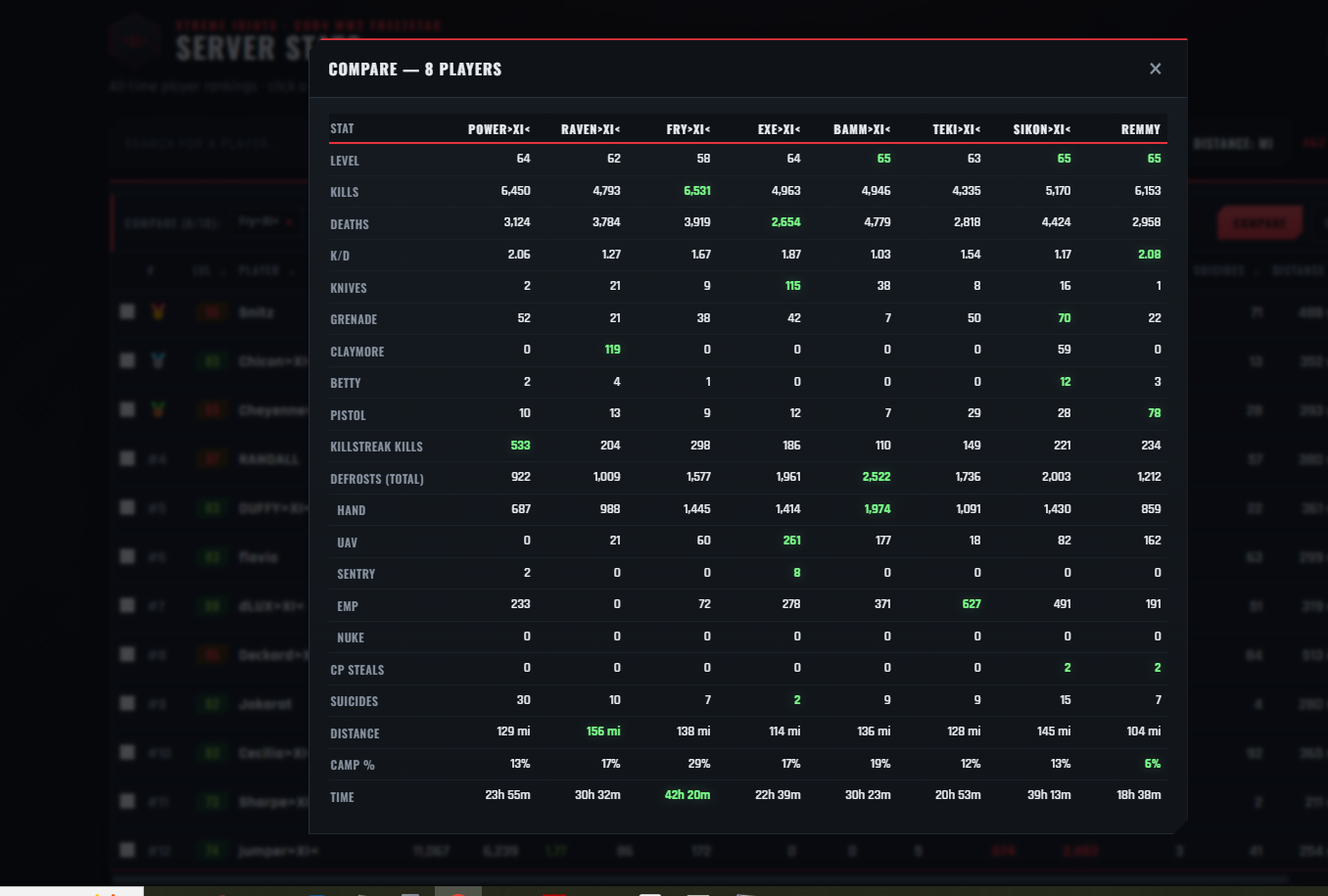
Added a new feature to the Stats page https://www.xtremeidiots.com/stats/stats.html You can now click up to 10 people and directly compare stats again each other
2 points
-

New rotation for OWFT
legi_istra and one other reacted to Dot80 for a topic
Thank-you skuzapo2 points -
Couple more changes 1. Removed most wanted kills, not needed 2. Added 500 points for medics when the revive a player, right now they get 0 3. Added name of person voice chatting2 points
-
They are back in now, 1 killstreak has been removed the Decoy carepackage. Also the 2nd sudden death overtime where your enemy position is revealed only happens if there is a tie at the end of the first sudden death2 points
-
XtremeIdiots would like to wish all members celebrating their birthday today a happy birthday. Richo (59)moonpie (51)Bing (49)1 point
-
Server has been restarted, new rotation in effect.1 point
-
XtremeIdiots would like to wish all members celebrating their birthday today a happy birthday. Icarus (55)cpl-chPetz (57)1 point
-

Need your help, it's kicking off
RobMc reacted to major-mark63 for a topic
Dont forget Rob you revealed that you dont see underyour belley , not good for lacing up your boots1 point -
Activision Master System Fail In Cod Waw Servers September 2026
BlackRose reacted to MikelMahou for a topic
Hi there! Probably you will notice, some servers are down those days. And that is not because bad configs or your server browser issues, Is cause Activision is facing a hard trouble with IPS and ISP alongside the overall EE.UU East Coast, New York and Washington are specially affected for servers activity. Some of those critical authentication outages have as result you can not connect those servers. These are some tricks and info about the issue: Activision's official online master servers for Call of Duty: World at War (CoD WaW) are facing critical authentication outages as of September 2026, generating server connection errors and loading loops for players trying to access multiplayer and zombies. Because the game relies on an aging backend infrastructure, players frequently encounter "lost connection to host" or profile fetching failures when the master server drops. While you wait for Activision to restore the authentication system, you can use these community-vouched alternatives to keep playing: Alternative Ways to Play Use Plutonium T4 (PC): If you are on PC, bypass Activision's official matchmaking entirely by downloading the Plutonium Project Mod. It runs on its own independent master server system, features custom anti-cheat, and hosts active dedicated servers for both multiplayer and co-op zombies. 1. Connect Directly via Console (Best Fix) Even if the master server cannot index the lobbies, the actual player-hosted dedicated servers are still running. You can join them directly using their IP addresses: [1, 2] Find a live server IP by browsing the GameTracker CoD WaW Server List on your phone or a web browser. Launch Call of Duty: World at War. Open the developer console by pressing the tilde key (~ or the button above Tab). Type connect [IP:Port] (for example: connect 123.456.78.9:28960) and hit Enter. [1] 2. Verify Your Filter Settings Sometimes a simple filter bug blocks the remaining legacy servers from appearing: [1] Open your server browser and look at the Source option at the top. Ensure it is explicitly toggled to Internet rather than Local/LAN. Temporarily disable all specific filters (like passworded, empty, or full servers) to maximize your chances of catching responsive nodes. [1, 2] 3. Check for Game Patches (Retail/Disc Version Only) If you are playing a standalone retail disc or a non-Steam version, your master server connection protocols are severely outdated. You must manually apply patches 1.1 through 1.7 in sequential order. Without patch 1.7, the game uses an obsolete master server directory that Activision deactivated years ago Mikel1 point -
COD5 - Maps freezing when loading
Ghostlupus reacted to MikelMahou for a topic
Hi there! What usually works fine to dont get that fail: 1-Off your Antialising in game to 0 2.Deactivate Specular Map in game options graphics Hope that helps you! Mikel1 point -
COD5 - Maps freezing when loading
Ghostlupus reacted to Markoff for a topic
Try deleting the mod as well1 point -
Need your help, it's kicking off
major-mark63 reacted to RobMc for a topic
Mike my boy great ideas about the beer and underwear, both right up my street. However don't be under any delusions about our so called king, most including me detest him. I'm all for some research in Shagaluf spirit willing but flesh weak, you can go in my place. I sent a platoon out to find dummy blow up tanks and they came back with a dozen blow up dolls one can only describe as for recreation. Still all is not lost we've left a couple outside Jenny's door in the hope it saves her, keep your suggestions coming. (whoops no joke intended)1 point -
You're a star Key, you ok my old mate?? What's Ramon noodles?? I fear it's getting serious though, headlines this morning that Bonds are crashing, hope James 007 is ok, and his Aston Martin is in one piece. Being up half the night as normal I googled 'Russia', wow their leader is named Vlad, I never trusted Vlad's since the impaler, looks like our safety is once more at stake. (And if you don't get that you need an education). It's a big country with a huge population, old blighty may have bitten off more than she can chew - again. Never fear, Rob will devise a cunning plan that will once more let us become a great nation. Apparently Vlad wants to reclaim all the countries lost when they had a big empire, so we'll do the same. He's started on a country in Europe, so our counter attack will be to start on a similar vein, though smaller scale. Look out the Pitcairn Islands, we're coming1 point
-
New rotation maps are map mp_1078carentan map mp_78tokyorose map mp_ambush map mp_db_snowypark map mp_anzio_beach map mp_contra map mp_cw_brecourt_storm map mp_anbinh map mp_ddd_wet map mp_gb_karkand map mp_hospital map mp_hunt_winter map mp_kiev map mp_lao_cai map mp_makin map mp_mohdv2 map mp_radiorelay map mp_ratsbedroom map mp_snr_freedom2 map mp_snr_st_mengs map mp_snr_treblink1 point
-
Thank you Skuz!1 point
-
I WILL BE MISSING FOR A WHILE
Raven reacted to 5Star.General for a topic
1 point -
Fix added: Let me know if its better now1 point
-
A good run on the sniper server. Thanks for all who came to play. Have a good week everyone.1 point
-
Thank-you skuzapo1 point
-
Hello Group. Black Rose I think you should maybe try another tournament. XI verses all on the sniper server. That should get some attention. I knmow at least 8 non members that would love to take on your group. Let me know what you and the other members think. talk to you later.1 point
-
freeze tag 1 map rotation #3
J3st3r reacted to WldPenguin for a topic
Rotation #3 23 maps put in rotation 08/28/26 by Pengy map mp_4t4hangar map mp_4t4scrap map mp_78busterville map mp_a1 map mp_agx_achq map mp_agx_bahnhof map mp_ancient_ultimate map mp_arbor_storm_ok map mp_area52 map mp_ava_tumbleweed map mp_backyard map mp_beltot map mp_beta map mp_bo2_town map mp_cod4_torn map mp_bhf_stalker map mp_blue_hostilities map mp_bordertown_final map mp_brecourt_manor map mp_asylum map mp_castle_v1 map mp_ccinn_dawnb1 map mp_citi_gewitter Server restarted @ 3:51 pm. EDT by Pengy Enjoy!1 point
.png.2ebf98cef9bcf5585bc2fcd329bac2dd.png)