
All Activity
- Past hour
-
 Smeggie reacted to a post in a topic:
Well it sure has been a trip huh!!!!
Smeggie reacted to a post in a topic:
Well it sure has been a trip huh!!!!
-
I ain't no fool
-
jointz reacted to a post in a topic:
April fools
-
jointz reacted to a post in a topic:
April fools
-
And just like that she's looking for a new job!!
-
jointz reacted to a post in a topic:
April fools
-
Icequeen reacted to a post in a topic:
April fools
- Today
-
 lazymarcky reacted to a post in a topic:
2026-04-01 Birthdays
lazymarcky reacted to a post in a topic:
2026-04-01 Birthdays
-
 BUDMAN reacted to a post in a topic:
April fools
BUDMAN reacted to a post in a topic:
April fools
-
You have an evil streak, now where's the key to these handcuffs??
-
RobMc reacted to a post in a topic:
April fools
-
RobMc reacted to a post in a topic:
April fools
-
We contemplated that but didn't wanna clean that mess up haha
-
Icequeen reacted to a post in a topic:
April fools
-
One bad trick with saran-wrap is covering the toilet bowl its almost invisible lol... the rest is a mess LOL
-
Yes there people on DM3 different times on the days EDT
-
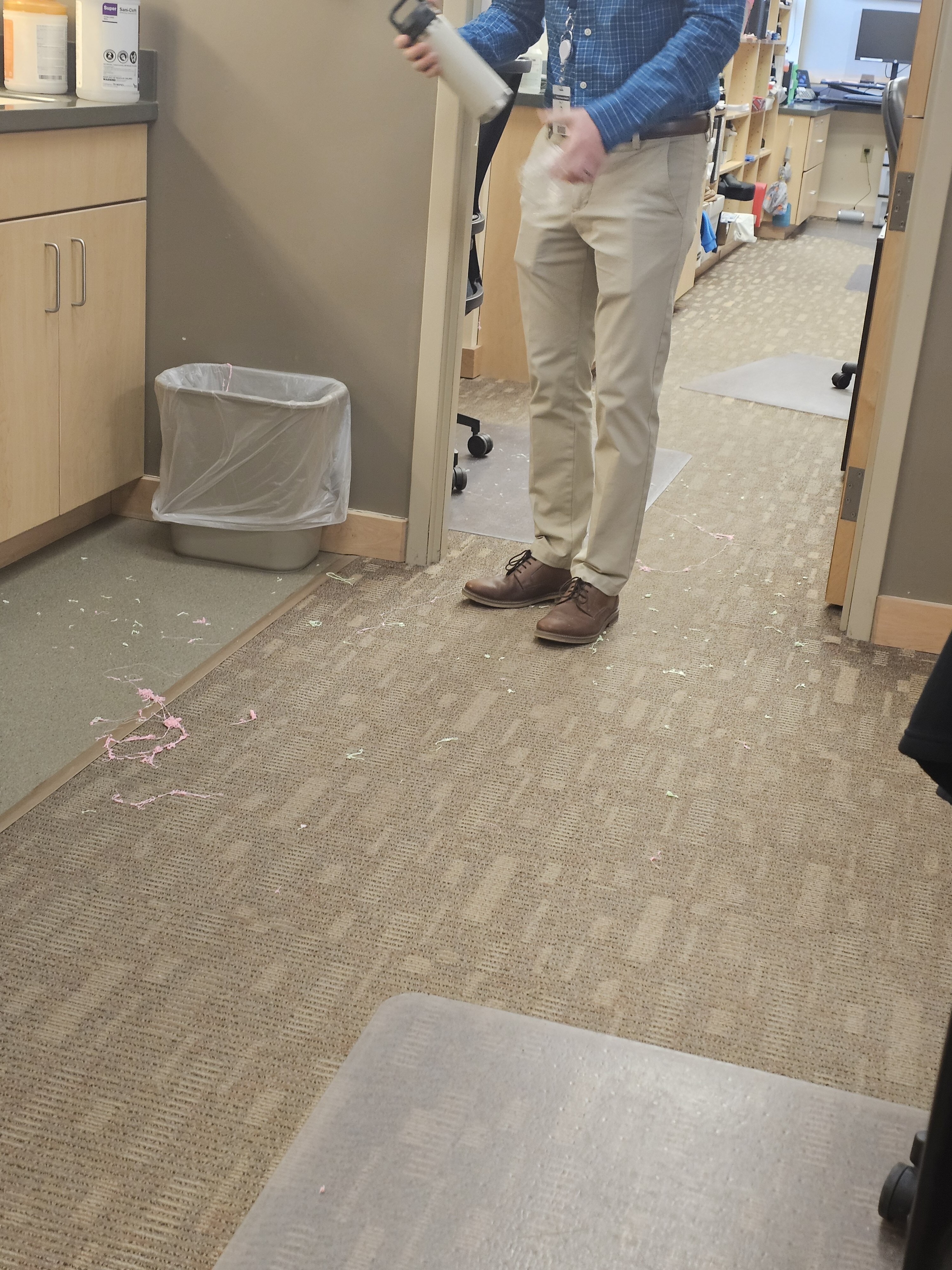
Got my boss this morning with Silly string and saran wrap all over his desk. It was wonderful

-
 wahoo4 changed their profile photo
 -
What’s up everyone, I hope all is well with ya all! I hope to catch up with members I used to know and meet some new good folks. Anyone still playing COD World at War non-freeze tag?
- 1 reply
-
- 1
-
-
Happy birthday to you!
-
-
Happy Birthday to you both.
-
HB
-
Happy Birthday!
-
Who woulda thought that like 20 years ago near I would hop into a server and stick around this long? It has been an amazing time with you all, but like all things, some things find a finish. I am going to be stepping away from gaming for a while, maybe forever, who knows. I just feel the push and pull of other aspects of life knocking. I will always cherish my time here as an XI member. Have made some life long friendships that will continue no matter where in life I end up. It has been a blast all Stormy out! . . . . . . . . . . . . . . . . . . . . . . . . . . . . . . . . . . . . .. . . . .. . .. April Fools bitches, ya cant get rid of me!!!!!
- 1 reply
-
- 8
-
-
Hello! Its much more simple fix this than you imagine. There are 2 ways to fix this: 1-Go to your profile player allocated somewhere like this if you are a non steam user: "C:\Users\mikel\AppData\Local\Activision\CoDWaW\players\profiles\MikelMahou" Where the profile is allocated in %appdata" hidden folder, that is currently in your user from Windows, in the route: (for example mine) "C:\Users\mikel" (From here locate the folder %appdata%/activision/codwaw/players/profile/yourplayerprofile) Inside that folder, you will see some like these files (check in screen capture i add) If you see a named "mpdatabk0000.corrupt" file, just delete that one. Then return and open the game, go to Main Menu, then go to refresh ALL SERVERS and check ALL GAME MODES are Checked, then do a new update/refresh servers and then go to your FAVORITE SERVERS, Do same, push the refresh button and check all again. Solution 2: The Punkbuster issue that delete favorites. Sometimes enable/disable the PB have some funny issues in the refresh list of servers., As much for Global Server List as for Favorites Servers etc. This is due a conflict generated when you sometimes got an internet issue, a server disconnect or lose too much pakects issue when you play. To solve this: Solution 2 2-Go to Main Menu, in game, go to PUnkbuster Section. ENABLE Punkbuster, Then Refresh ALL List servers. Then return Favorites Servers, Refresh ALL. Check. Sometimes, is just a corrupt file, what lets search and favorites in a way looks is block or lose, but is just cause sometimes, t7his makes a conflict with your actual config in game settings, or cause due a malfuntion of server conection, or you ISP fails and you got disconnected in some server etc, that made the .corrupt file appears in your config and that broke the system to keep favorites, progress in servers etc etc. Always, do a PROFILE copy from the Activision Folder located in %appdata% and keep it save place when is working fine, or you did some progress in game or servers etc, in that way you will be always able to backup your profile if this happens again or you miss some in the way cause an error, etc etc- Some alternative checks you need to do: 1-check ALWAYS you are in same network, LAN or WIFI, but the same, not get the both connected at same time, that can make conflicts and then this happens. Is better you always if possible plays in LAN connection mode. Wifi adds Input Lag and have mostly, packet loss in game. Lan cable is better for gaming. No doubt. 2-Do a Flush DNS in CMD. Open CMD as admin and type: ipconfig /flushdns Clean Nvidia Chache (if you use Nvidia Video Card) Press Windows + R then type %localappdata% And then look for NVIDIA folder, open it , look for DXCache and GLCache Folders and delete them! then look same directory for NVIDIA Corporation > NV_Cache and delete this one too. When all is done, remember do a restart pc, the go the game, open it and must be all ok. Let me know how is going and if you still have issues. Mikel me files like this: Then open your profile player,
-
happy birthday for yesterday
-
happy birthday
-
-
XtremeIdiots would like to wish all members celebrating their birthday today a happy birthday. wildbill72 (54)Marshall (49)
- Yesterday
-
Have a GREAT birthday!!!
-

>XI< Powerball game entree is open, new game starts April 1st
Ruggerxi replied to Ruggerxi's topic in Community News
Last day to get your powerball numbers in -
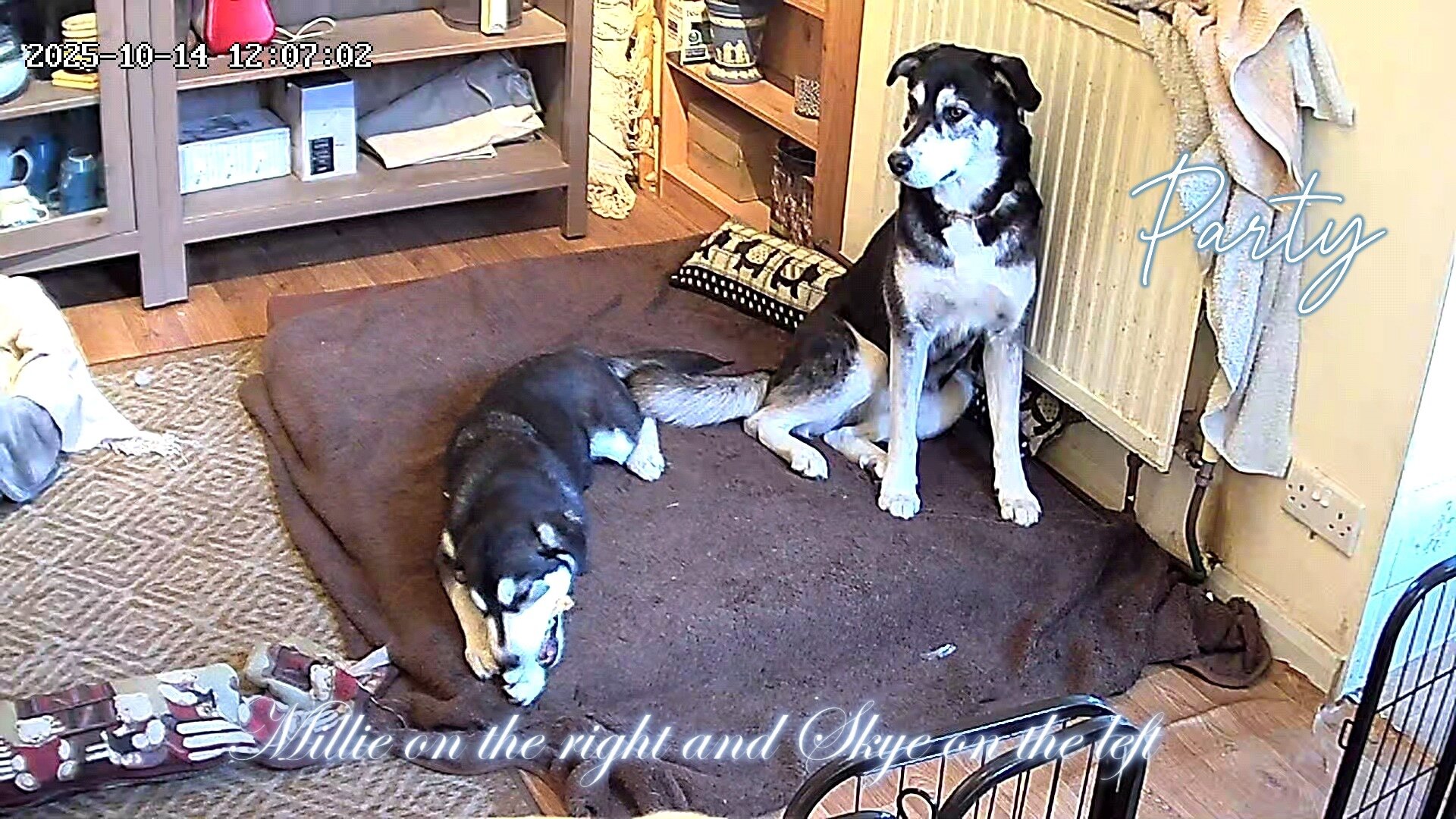
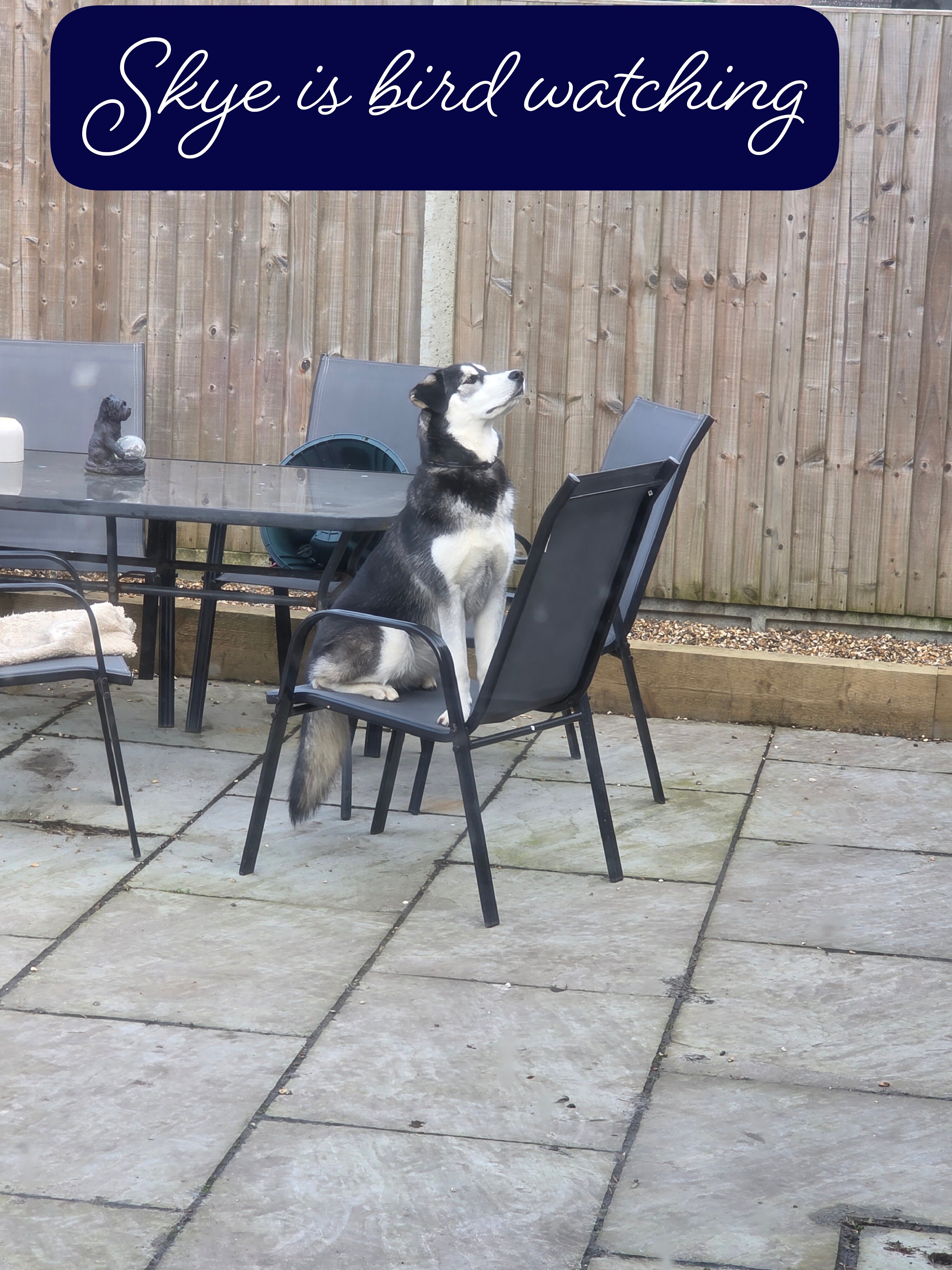
Great dogs, and probably better shots than you?
- 1 reply
-
- 2
-
-
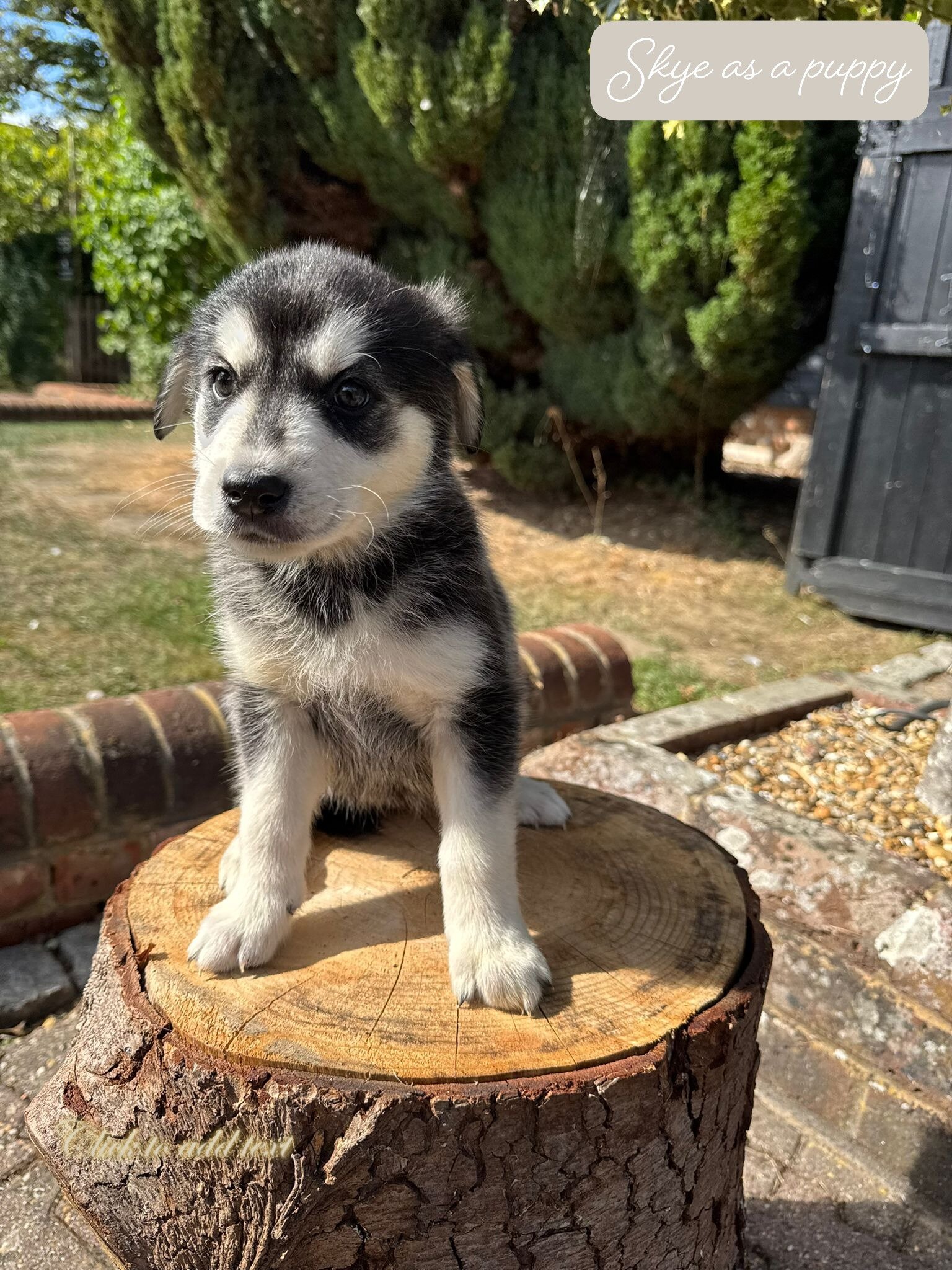
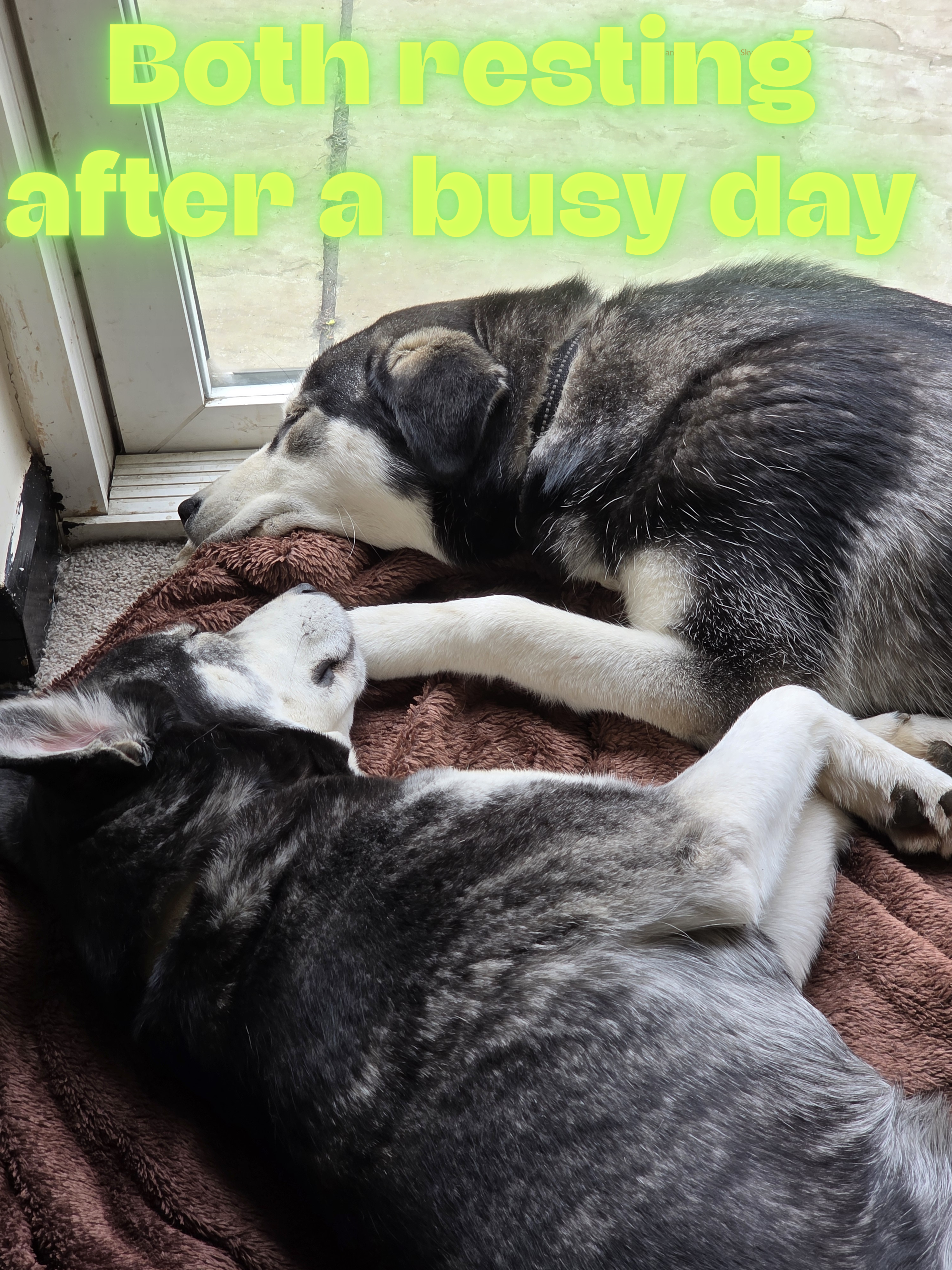
Sometimes I wonder where the time is gone. Skye is now 9 moth old and nearly as big as Millie. What a joy these dogs are.
- 1 reply
-
- 5
-

-
-
Happy Birthday Everyone!
-
Happy Birthday everyone.












.png.6743ab59a360082b75b7dbb4bd2ffb54.png)






-
XtremeIdiots Supported Games
-

Call of Duty 4
Open Club · 803 members
-

Call of Duty: World At War
Open Club · 454 members
-

Battlefield 6
Open Club · 42 members
-

Call of Duty 2
Open Club · 213 members
-
Call of Duty: Modern Warfare II/III/Warzone
Open Club · 28 members
-

World of Warships
Open Club · 88 members
-

>XI< Fest 2025 - Orlando/Kissimmee
Closed Club · 21 members
-
Ark Survival Evolved
Open Club · 78 members
-

Loasis Virtual Happy Hour Group
Public Club
-
.jpg.9c86517fd804b4841c977e8c5ba734e8.jpg)
XI Fest - Branson, MO 2024
Closed Club · 24 members
-

Unreal Tournament
Open Club · 42 members
-

XI Fest - Georgia 2022
Closed Club · 29 members
-

Battlefield 2042
Open Club · 49 members
-
.cropped.jpg.eb9aebc3d84c18813bc20441a17204af.jpg)
>XI< Fest 2023 Gatlinburg
Closed Club · 51 members
-

Rust
Open Club · 76 members
-

Battlefield 4
Open Club · 156 members
-
PLAYERUNKNOWN'S BATTLEGROUNDS
Open Club · 138 members
-

XI Fest - Brussels 2018
Closed Club · 36 members
-

War Thunder
Read Only Club · 38 members
-

Minecraft
Open Club · 300 members
-

Battlefield 3
Read Only Club · 36 members
-

ARMA
Open Club · 54 members
-

Modern Warfare 2019
Open Club · 158 members
-

Battlefield V
Open Club · 86 members
-

Left 4 Dead 2
Read Only Club · 60 members
-

Insurgency
Open Club · 212 members
-

Destiny 2
Open Club · 15 members
-
Crysis Wars
Open Club · 26 members
-

BFBC2
Read Only Club · 27 members
-
XI Fest - Charlotte 2019
Closed Club · 61 members
-

World War 3
Open Club · 24 members
-

XI Fest - Nashville 2018
Closed Club · 66 members
-

Battlefield 1
Read Only Club · 93 members
-
Rising Storm 2: Vietnam
Read Only Club · 19 members
-